json-server是一个REST风格的API接口,给前端页面提供虚拟的数据,非常实用而且是非常强大的一个工具,支持CORS和JSONP跨域请求,支持GET, POST, PUT, PATCH 和 DELETE 方法等等。 具体使用方法如下:
1、安装json-server
    cnpm install json-server -g
    sudo cnpm install json-server -g (如果是linux或者macOS建议加上sudo,避免权限问题)

   查看是否安装成功,命令行:json-server -h ,如果安装成功的话会输出如下:
    json-server [options] <source>
    选项:--config, -c
    Path to config file    [默认值: "json-server.json"]
    --port, -p  Set port   [默认值: 3000]
    --host, -H  Set host   [默认值: "0.0.0.0"]
    --watch, -w  Watch file(s) [布尔]
    --routes, -r  Path to routes file
    --middlewares, -m  Paths to middleware files [数组]
    --static, -s Set static files directory
    --read-only, --ro  Allow only GET requests [布尔]
    --no-cors, --nc  Disable Cross-Origin Resource Sharing        [布尔]
    --no-gzip, --ng Disable GZIP Content-Encoding  [布尔]
    --snapshots, -S  Set snapshots directory[默认值: "."]
    --delay, -d  Add delay to responses (ms)
    --id, -i  Set database id property (e.g. _id) [默认值: "id"]
    --foreignKeySuffix, --fks  Set foreign key suffix (e.g. _id as in post_id) [默认值: "Id"]
    --quiet, -q Suppress log messages from output[布尔]
    --help, -h 显示帮助信息   [布尔]
    --version, -v   显示版本号    [布尔]

    示例:
      json-server db.json
      json-server file.js
      json-server http://example.com/db.json

    https://github.com/typicode/json-server
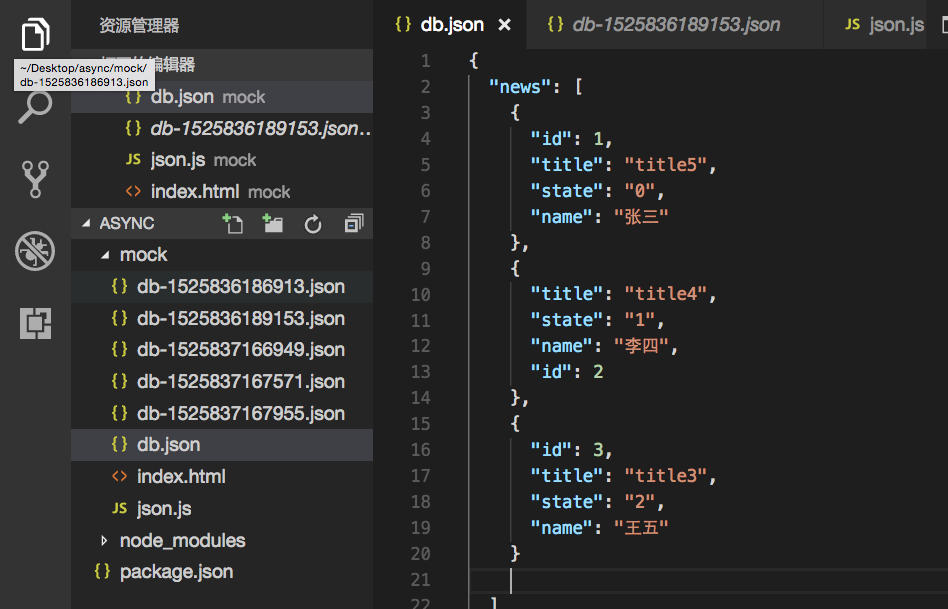
2、新建一个文件夹mark,里面新建一个db.json文件,文件里面将需要返回的数据放在里面,如:
 {
  "news": [
    {
      "id": 1,
      "title": "title5",
      "state": "0",
      "name": '张三',
    },
    {
      "id": 2,
      "title": "title4",
      "state": "1",
      "name": '李四',
    },
    {
      "id": 3,
      "title": "title3",
      "state": "2",
      "name": '王五',
    },
  ]
}

完成后命令运行moark下db.json文件:json-server db.json -p 8009,输出
 \{^_^}/ hi!
  Loading db.json
  Done
  Resources
  http://localhost:8009/news
  http://localhost:8009/comments
  Home
  http://localhost8009
  Type s + enter at any time to create a snapshot of the database
  GET /db 200 5.885 ms - 582

此时访问 http://localhost:8009/db.json 就能看下数据了
3、数据请求
set数据,直接在db.json下new后面追加数据即可。
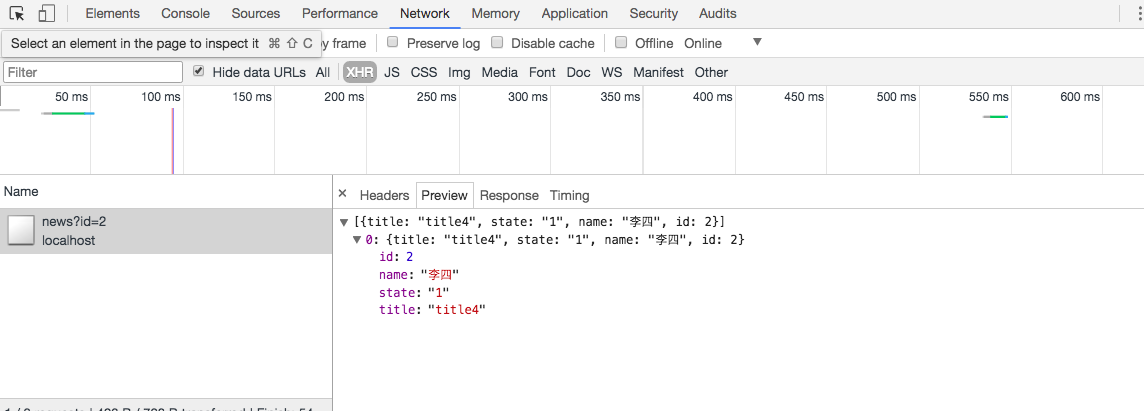
get数据
    $.ajax({
        type: 'get',
        url: 'http://localhost:8009/news?id=1',
        success:(data) => {
            console.log(data)
        },
        error:(err) => {
            console.log(err)
        }
    })
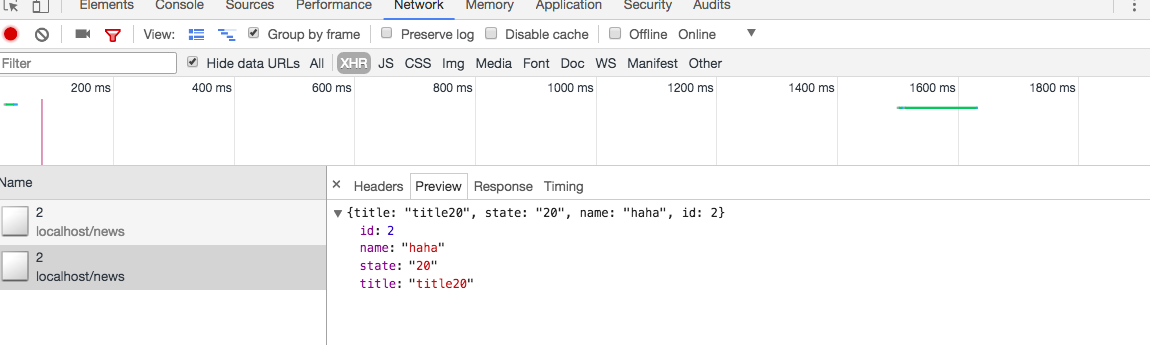
put修改数据
    $.ajax({
        type: 'put',
        url: 'http://localhost:8009/news/2',
        data:{
            "title":"title20",
            "state":"20",
            "name":"haha"
        },
        success:(data) => {
            console.log(data)
        },
        error:(err) => {
            console.log(err)
        }
    })