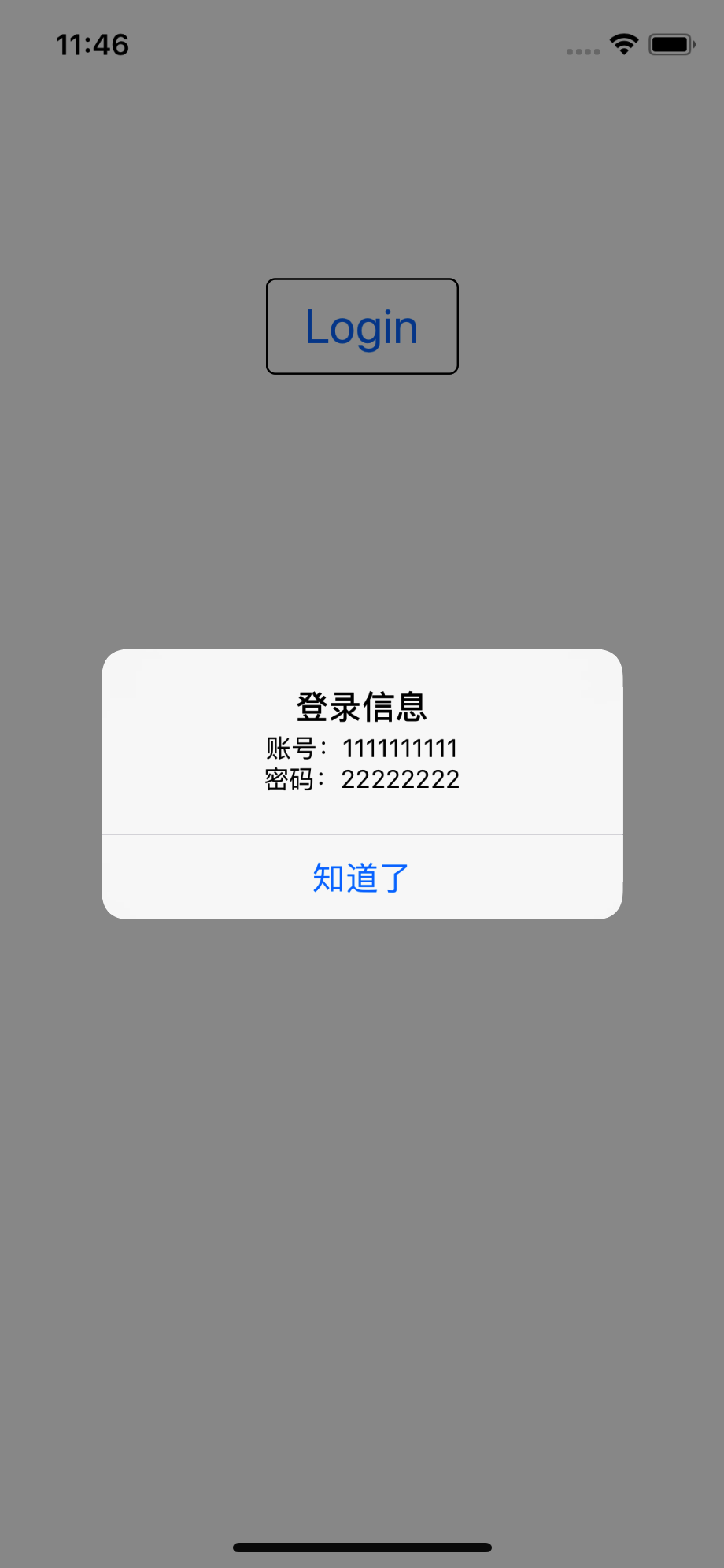
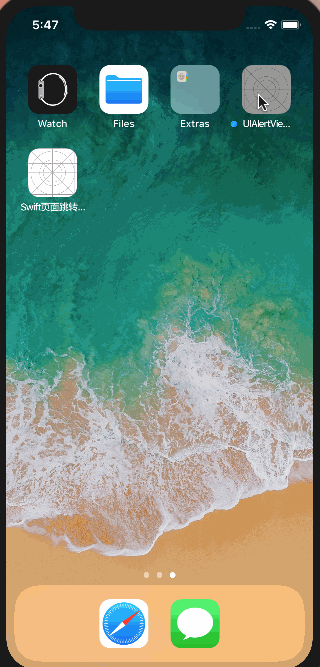
效果图如下

import UIKit

class ViewController: UIViewController {

    override func viewDidLoad() {
        super.viewDidLoad()
        // Do any additional setup after loading the view, typically from a nib.

    }

    //MARK: -登录弹框
    func showLoginAlertView()  {
       let alertController = UIAlertController.init(title: "登录", message: "", preferredStyle: .alert)

        //输入账号TextField
        alertController.addTextField { (textField) in
            textField.placeholder = "请输入登录账号"
            textField.keyboardType = .default
            textField.font = UIFont.systemFont(ofSize: 17, weight: UIFont.Weight.semibold)
        }

        //输入密码TextField
        alertController.addTextField { (textField) in
            textField.placeholder = "请输入密码"
            textField.isSecureTextEntry = true
            textField.keyboardType = .asciiCapableNumberPad
            textField.font = UIFont.systemFont(ofSize: 17, weight: UIFont.Weight.black)
        }

        let confirmAction = UIAlertAction(title: "确定", style: .default) { (_) in
            guard let textFields = alertController.textFields else {return}
            let result = "账号:\(textFields.first?.text ?? "")\n密码:\(textFields.last?.text ?? "")"
            print(result)
            self.showResultAlertView(result)
        }

        alertController.addAction(confirmAction)

    self.show(alertController, sender: self)
    }

    //MARK: -已录入信息弹框
    func showResultAlertView(_ result: String) {
            let alertController = UIAlertController.init(title: "登录信息", message: result, preferredStyle: .alert)
        let confirmAction = UIAlertAction.init(title: "知道了", style: .default) { (_) in

        }
        alertController.addAction(confirmAction)
        self.show(alertController, sender: self)

    }

    //MARK: - Event
    @IBAction func loginButtonDidClicked(_ sender: UIButton) {
        showLoginAlertView()
    }

    override func didReceiveMemoryWarning() {
        super.didReceiveMemoryWarning()
        // Dispose of any resources that can be recreated.
    }

}