开始记录下阅读和理解Spring源码的历程,也将遇到的一些问题记录下来。
- fork官方源码及源码下载
git clone https://github.com/spring-projects/spring-framework.gitfork一份自己的库,以便将自己的注释和测试提交,方便后续理解。
- 导入至idea
根据官方文档import-into-idea.md :
Within your locally cloned spring-framework working directory:
- Precompile
spring-oxmwith./gradlew :spring-oxm:compileTestJava - Import into IntelliJ (File -> New -> Project from Existing Sources -> Navigate to directory -> Select build.gradle)
- When prompted exclude the
spring-aspectsmodule (or after the import via File-> Project Structure -> Modules) - Code away
因gradle默认配置好像不正确,导入后发现各模块无法识别,需要修改配置,我将settings.gradle 文件中的配置进行了更改,插件库中增加了maven库,因使用个人私服,没有测试阿里库是否正常使用,理论上应该也没问题,修改后如下所示:
pluginManagement {
   repositories {
      maven {
         url "http://nexus.xxxxx.com/repository/maven-public/"
      }
      jcenter()
      gradlePluginPortal()
   }
}
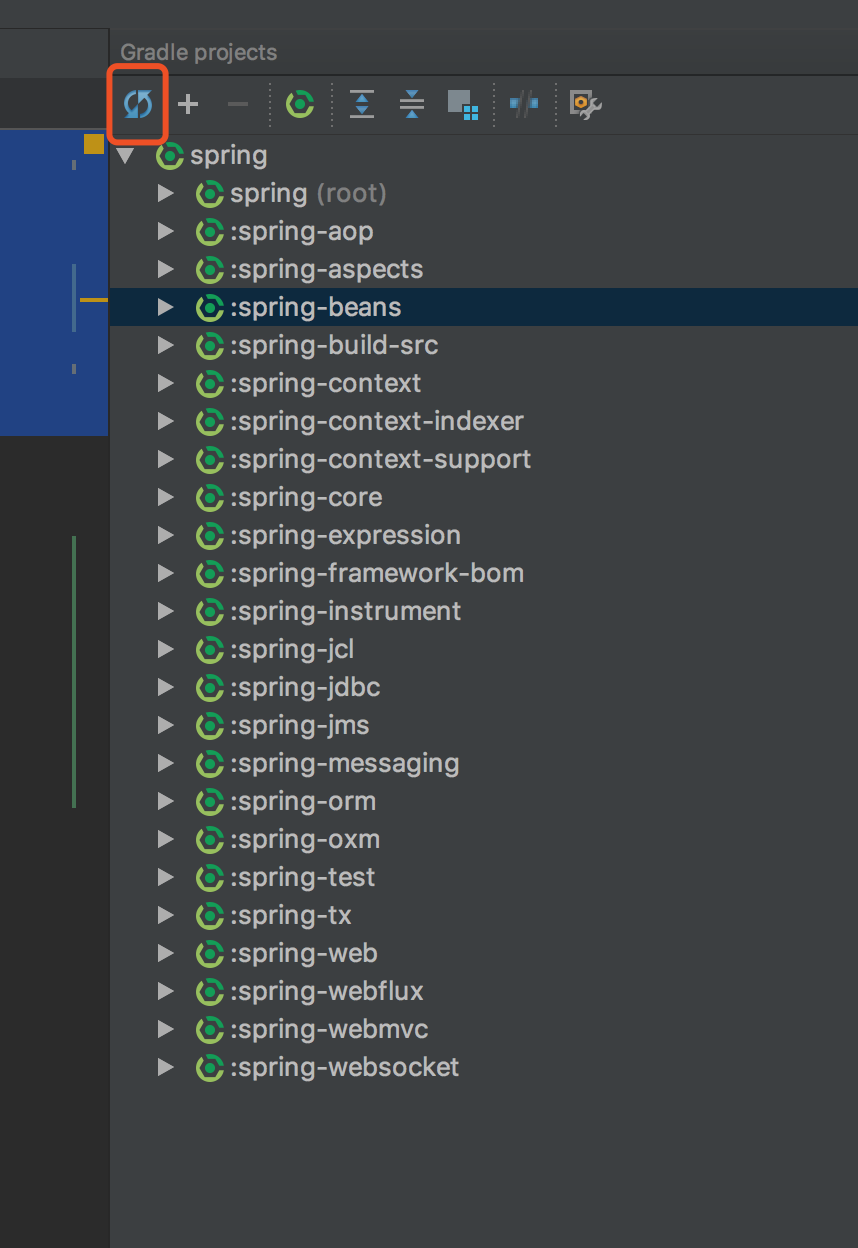
点击gradle刷新按钮后,等待一段时间,就成功了,后面就专心开始搞了~~