功能: 1.代码版本管理、代码维护等等 2.大型项目多人协作开发
常用的网站有github.com和conding.net
安装步骤
1.下载命令工具
2.安装
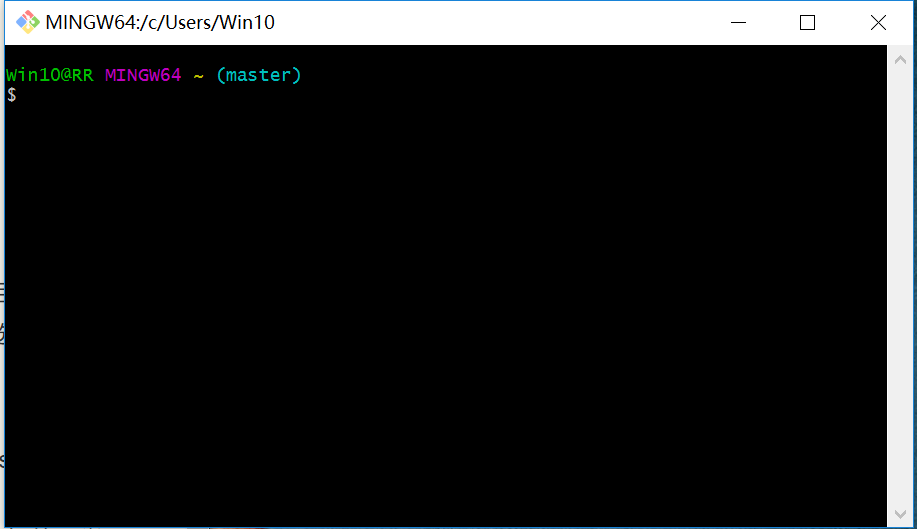
注意: 1.Git Bash Here一定要安装 2.Git 命令执行环境选择Use Git from Git Bash only 3.windows系统安装,选择checkout Windows-style
常用代码
| 指令 | 含义 |
|---|---|
| git add . | 上传所有文件 |
| git commit -m "注释" | 提交文件,并且添加注释 |
| git push origin master | 上传文件 |
| git pull origin master | 下载文件到本地 |
| git checkout 文件名 | 还原文件 |
| git branch 文件名 | 创建分支 |
| git checkout -b 分支名/git checkout 分支名 | 切换分支 |
| git merge 分支名 | 合并分支 |
| cat 分支名 | 显示文本内容 |
使用实例
以github.com为例 先打开github在本地的仓库例如e:\github
cd e:
cd github
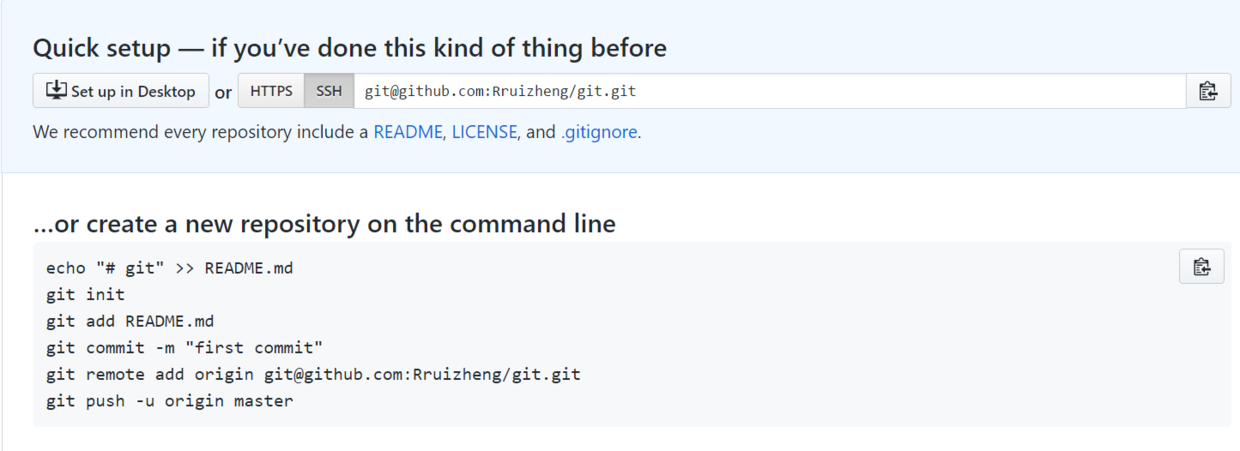
1.创建文档
echo "# git" >> README.md  //创建文档,并写入# git
git init                  //创建仓库,已经有的仓库会显示所在目录
git add README.md         //添加文档
git commit -m "first commit"  //添加注释,提交文件
git remote add origin git@github.com:Rruizheng/git.git  //上传到你自己的github网站
git push -u origin master   //上传代码
2.上传已经存在的项目
在github上新建一个空的项目 cd进入本地项目,执行下列代码
git init
git add .    //注意是add 空格 .  把目录下所有文件上传
git commit -m "first commit"
git remote add origin https://github.com/Rruizheng/study-git.git(项目地址)
git push -u origin master
3.下载git上的仓库到本地
先cd到要放置这个仓库的本地地址
git clone https://github.com/Rruizheng/study-webpack.git
4.更新本地仓库到git
先cd到要放置这个仓库的本地地址
git add .
git commit -a -m "rr"
git push origin master
5.更新本地仓库到git出现错误
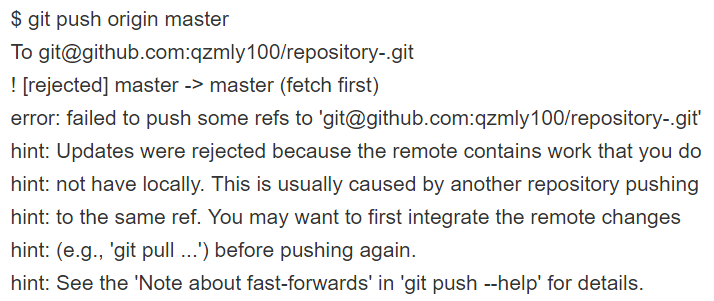
原因:远程库的版本比本地库要新,需要先git pull 更新你的本地库后才能git push到远程库里
解决方法:
1.先git pull 更新,再git push到远程库。
2.或者确定远程分支上那些提交都不需要了,那么直接git push origin master -f,强行让本地分支覆盖远程分支。 先cd到要放置这个仓库的本地地址
git add .
git commit -a -m "rr"
git push origin master -f