

什么是 iedit 模式
iedit 模式是 SpaceVim 中最新实现的一个多光标编辑模式,取名 iedit 借鉴了 emacs 的 iedit-mode,这一模式给 vim 增添了多光标编辑功能。
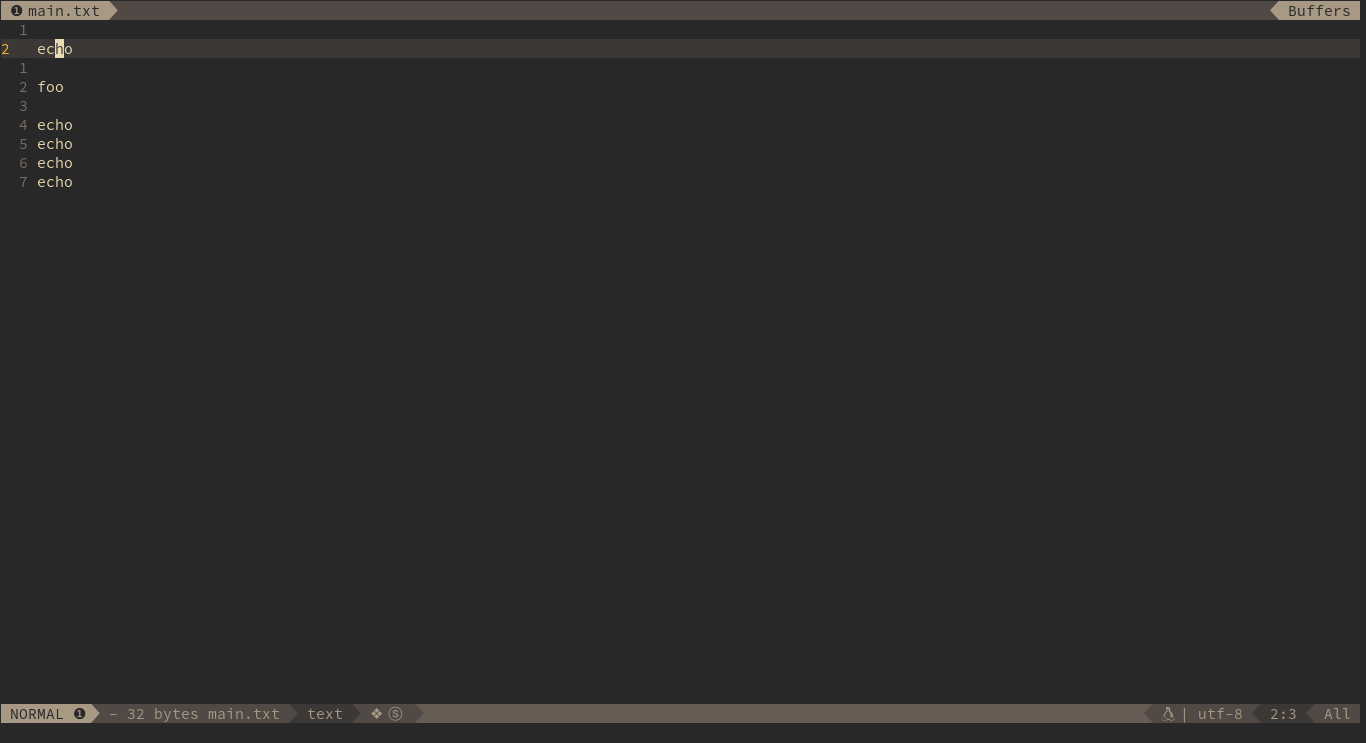
效果图如下:
如何启动 iedit 模式
在 SpaceVim 中有三种方式启动 iedit 模式:
- Normal 模式下直接按下快捷键
SPC s e会匹配光标所在的单词,并启动 iedit 模式。 - Visual 模式下按下快捷键
SPC s e会匹配所选择的单词,并启动 iedit 模式。 - Highlight Symbol 模式按下
e键会更具以选择的匹配位置来启动 iedit 模式。
iedit 模式模式快捷键
模式转变:
| Key Binding | From | to |
|---|---|---|
SPC s e |
normal or visual | iedit-Normal |
iedit-Normal 模式快捷键:
iedit-Normal 模式模仿 vim Normal 模式,以下的这些快捷键仅限于 iedit-Normal 模式.
| Key Binding | Description |
|---|---|
Esc |
go back to Normal mode |
i |
switch to iedit-Insert mode, same as i |
a |
switch to iedit-Insert mode, same as a |
I |
go to the beginning of the current occurrence and switch to iedit-Insert mode |
A |
go to the end of the current occurrence and switch to iedit-Insert mode |
<Left> |
Move cursor to left |
<Right> |
Move cursor to right |
0 |
go to the beginning of the current occurrence |
$ |
go to the end of the current occurrence |
D |
delete the occurrences |
S |
delete the occurrences and switch to iedit-Insert mode |
gg |
go to first occurrence |
G |
go to last occurrence |
n |
go to next occurrence |
N |
go to previous occurrence |
iedit-Insert 模式快捷键:
iedit-Insert 模式借鉴与 vim Insert 模式下的快捷键,也借鉴了 emacs 和 bash 命令行下的快捷键:
| Key Binding | Description |
|---|---|
Esc |
go back to iedit-Normal mode |
<Left> |
Move cursor to left |
<Right> |
Move cursor to right |
<C-w> |
delete words before cursor |
<C-K> |
delete words after cursor |
想要获取更多关于 SpaceVim 的最新咨询,可关注我们的者微博或者微信公众号:


推荐阅读:
- 官方中文文档:spacevim.org/README_zh_c…
- Hack-SpaceVim by @Gabirel:github.com/Gabirel/Hac…
- SpaceVim-tutorial by @everettjf:everettjf.gitbooks.io/spacevimtut…
- Vim 简明教程 by @wsdjeg:github.com/wsdjeg/vim-…
- SpaceVim 知乎专栏:zhuanlan.zhihu.com/SpaceVim