

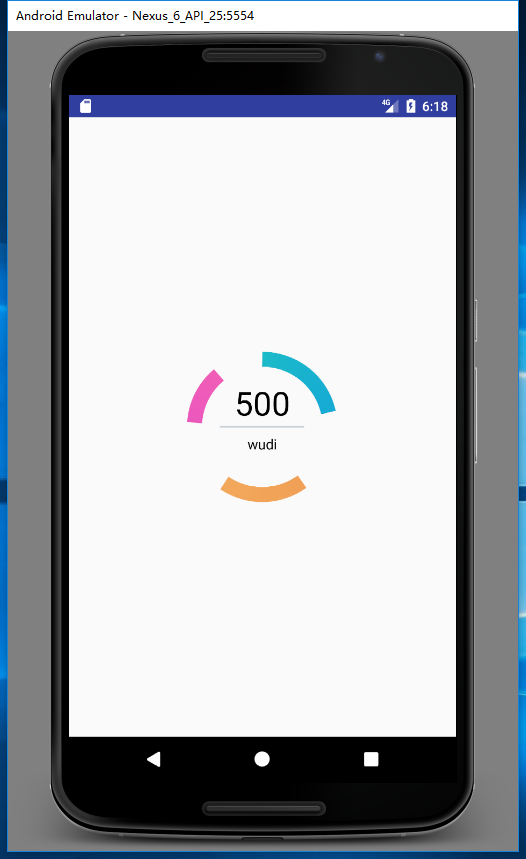
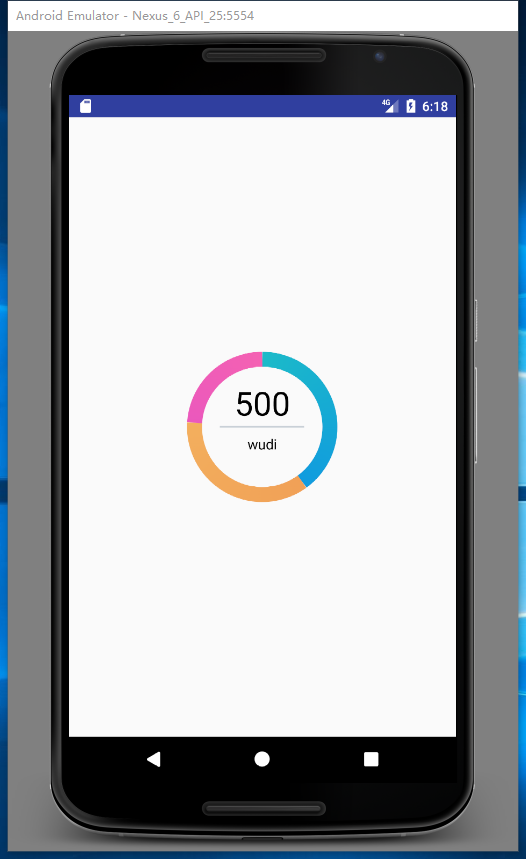
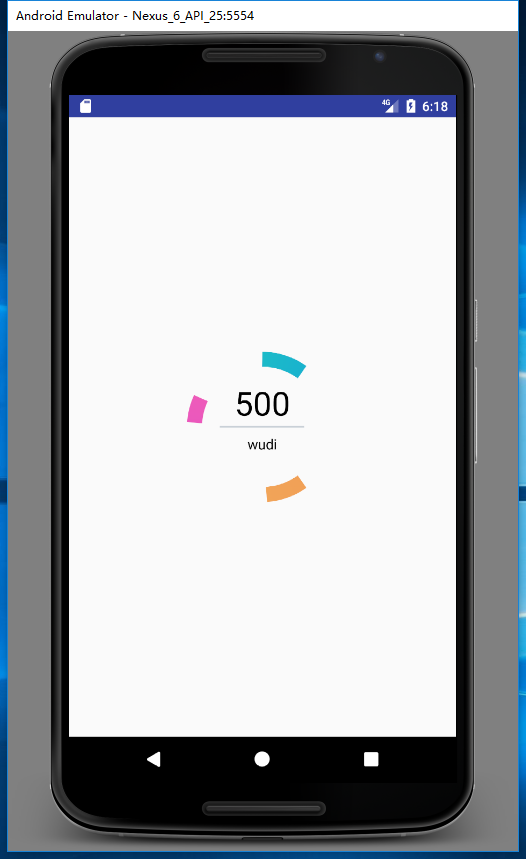
之前的项目中需要用很多图表展示很多数据,一直想写篇记录一下,但是一直没空(懒!),年末了想想想还是不要太咸鱼,所以就写一篇吧!先看效果
下面是代码实现:
//定义三个角度百分比x100
percent_blue = 100 * (blue / all);
percent_green = 100 * (green / all);
percent_red = 100 * (red / all);
//每次画的角度
arc_blue = percent_blue / 50;
arc_red = percent_red / 50;
arc_green = percent_green / 50;
这边是计算圆环各块的战比以及需要绘画的圆环的角度。
begin2 = (float) (((percent_blue) * 3.6f));
begin3 = (float) ((percent_blue + percent_green) * 3.6f);
这边计算的是圆环开始绘画的位置(从什么角度开始绘画)
this.getViewTreeObserver().addOnPreDrawListener(
        new OnPreDrawListener() {
            @Override
            public boolean onPreDraw() {
                rectheight=getHeight();
                rectwidth=getWidth();
                new ThreadRun();
                getViewTreeObserver().removeOnPreDrawListener(this);
                return false;

            }
        });
通过 ViewTreeObserver添加一个监听获取到宽和高并且启动线程
class ThreadRun implements Runnable {
    private Thread thread;
    private int statek;
    int count = 0;

    public ThreadRun() {
        thread = new Thread(this);
        thread.start();
    }

    @Override
    public void run() {
        while (true) {
            switch (statek) {
                case 0:
                    try {
                        Thread.sleep(200);
                        statek = 1;
                    } catch (InterruptedException e) {
                    }
                    break;
                case 1:
                    try {
                        if (count < 100) {
                            Thread.sleep(10);
                            //360-4*3 ,/100,/2,=1.77
                            plus1 += arc_blue * 1.8f;
                            plus2 += arc_red * 1.8f;
                            plus3 += arc_green * 1.8f;
                            count++;
                        }
                        postInvalidate();
                    } catch (InterruptedException e) {
                        e.printStackTrace();
                    }
                    break;
            }
            if (count >= 100) {
                break;
            }
        }
    }
}
这边是实现了圆环的绘画过程。
paintColor = new int[]{0xff1bbac8, 0xff006cff};
paintShader = new SweepGradient(width / 2, height / 2, paintColor, null);
paintColor2 = new int[]{0xffee904e, 0xfff4b862};
paintShader2 = new SweepGradient(width / 2, height / 2, paintColor2, null);
paintColor3 = new int[]{0xffd6dee8, 0xffced8e4};
paintShader3 = new SweepGradient(width / 2, height / 2, paintColor3, null);
paintColor4 = new int[]{0xff2b5cbf, 0xff58b6f1};
paintShader4 = new SweepGradient(width / 2, height / 2, paintColor4, null);
paintColor5 = new int[]{0xffcc3bdc, 0xfff461b2};
paintShader5 = new SweepGradient(width / 2, height / 2, paintColor5, null);

Paint1 = new Paint();
Paint1.setAntiAlias(true);
Paint1.setShader(paintShader);//渐变
Paint1.setStrokeWidth(this.width);
Paint1.setStyle(Style.STROKE);

Paint3 = new Paint();
Paint3.setAntiAlias(true);
Paint3.setShader(paintShader2);
Paint3.setStrokeWidth(this.width);
Paint3.setStyle(Style.STROKE);

Paint2 = new Paint();
Paint2.setAntiAlias(true);
Paint2.setShader(paintShader5);
Paint2.setShadowLayer(5, 5, 5, backColor);
Paint2.setStrokeWidth(this.width);
Paint2.setStyle(Style.STROKE);设置画笔属性setShader是设置渐变色画笔属性。
rectf = new RectF();
rectf.set(width * 0.1f, height * 0.1f, width - width * 0.1f, height - height * 0.1f);
设置RectF。
最后就是重头戏onDrow();
protected void onDraw(Canvas c) {
    super.onDraw(c);
    c.save();
    setpaint(rectheight, rectwidth);
    c.rotate(-90, getWidth() / 2, getHeight() / 2);
    c.drawArc(rectf, 0, plus1, false, Paint1);
    c.drawArc(rectf, begin2, plus3, false, Paint3);
    c.drawArc(rectf, begin3, plus2, false, Paint2);
    c.rotate(90, getWidth() / 2, getHeight() / 2);
    c.restore();
    c.drawLine(getWidth() / 4, getHeight() / 2, getWidth() / 4 * 3, getHeight() / 2, paint_line);
    c.drawText((int) all + "", getWidth() / 2, getHeight() / 2 - tb * 1.5f, paint_write);
    c.drawText(title, getWidth() / 2, getHeight() / 2 + tb * 3f, paint_write2);
}