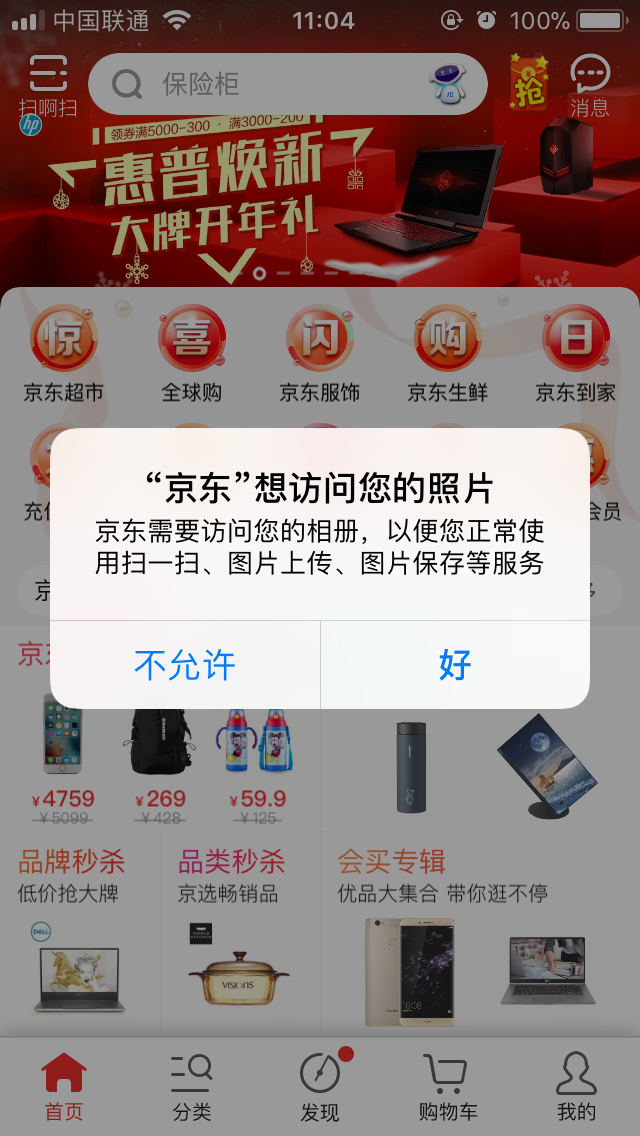
###当App上架时因为二进制描述文件被拒,或者在上传应用是成功后却在iTunes中找不到时可以查询是否因为获取了用户敏感信息而未在plist文件添加如下描述。
被拒说明例子: This app attempts to access privacy-sensitive data without a usage description. The app's Info.plist must contain an NSPhotoLibraryUsageDescription key with a string value explaining to the user how the app uses this data.
#一、权限以及相关设置 打开Xcode在项目的的plist文件中添加一条描述如下:
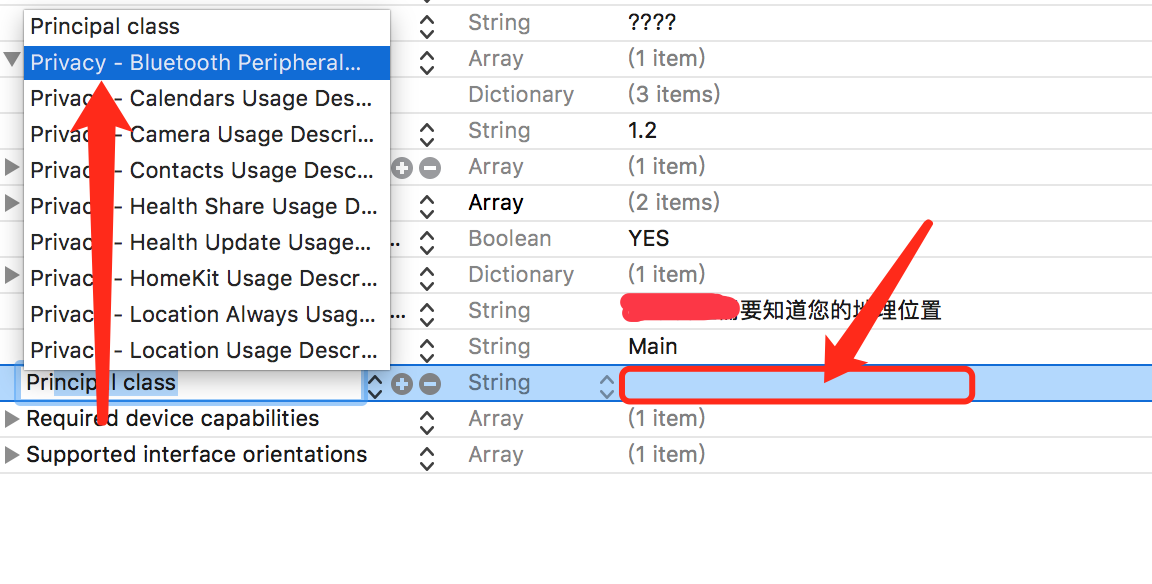
#二、相关描述说明如下
Privacy - Media Library Usage Description               //获取用户媒体库说明
Privacy - Bluetooth Peripheral Usage Description        //蓝牙外设使用描述
Privacy - Calendars Usage Description                   //日历的使用说明
Privacy - Camera Usage Description                      //相机使用叙述说明
Privacy - Contacts Usage Description                    //联系人使用说明
Privacy - Health Share Usage Description                //健康分享使用描述
Privacy - Location Always Usage Description             //后台定位(在iOS设置中为'永久')
Privacy - Location Usage Description			        //需要定位
Privacy - Location When In Use Usage Description        //前台定位(在iOS设置中为'使用期间')
Privacy - Health Update Usage Description               //健康更新使用描述
Privacy - HomeKit Usage Description				     //HomeKit使用描述
Privacy - Microphone Usage Description			      //麦克风的使用说明
Privacy - Motion Usage Description				      //运动使用的描述
Privacy - Photo Library Usage Description		       //照片库使用说明
Privacy - Reminders Usage Description 			      //提醒使用描述
Privacy - TV Provider Usage Description                 //电视提供商使用的描述 (貌似国内用不到)

iOS11新增
Privacy - NFC Reader Usage Description         //NFC使用描述
Privacy - Face ID Usage Descriptio                   //使用Face ID
Privacy - Photo Library Additions Usage Description     //  保存图片到图库中 (重要)
补充:因为苹果现在增加了一项新的隐私保护功能 NSLocationAlwaysAndWhenInUseUsageDeion, 并且原有的 NSLocationAlwaysUsageDeion 被降级为 NSLocationWhenInUseUsageDeion。 想要达到之前 NSLocationAlwaysUsageDeion 的定位效果,需要在info.plist文件中添加 NSLocationAlwaysAndWhenInUseUsageDeion和 NSLocationWhenInUseUsageDeion 两个就可以了
补充:目前可能会有的朋友在上架APP时出现5. 1.1 Legal: Privacy - Data Collection and Storage 大概原因是应为提示信息写的不够具体 可以模仿下京东的APP