

先看效果:

###代码思路: 1.新建4个div,加类 2.给类写基本样式 3.写鼠标移进来的效果
###实践代码
<!-- 4个div,给div加类 -->
<div class="test"></div>
<div class="test"></div>
<div class="test"></div>
<div class="test"></div>
###样式代码
<style type="text/css">
		.test {
			width: 223px;
			height: 258px;
			border: 1px solid #ccc;
			margin-top: 100px;
			float: left;
		}
		.test:hover {
			border: 1px solid #f40;
		}
</style>
###实际效果:
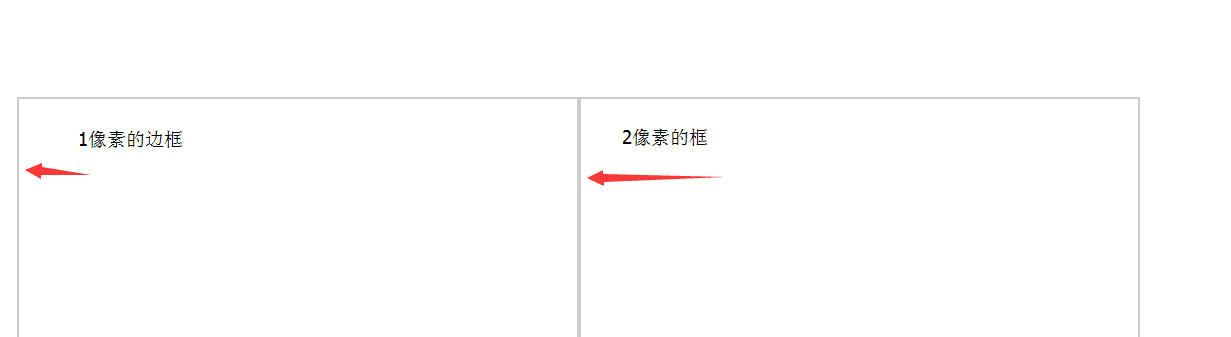
###当鼠标移动上去的效果

具体链接: http://runjs.cn/detail/kipg09m3
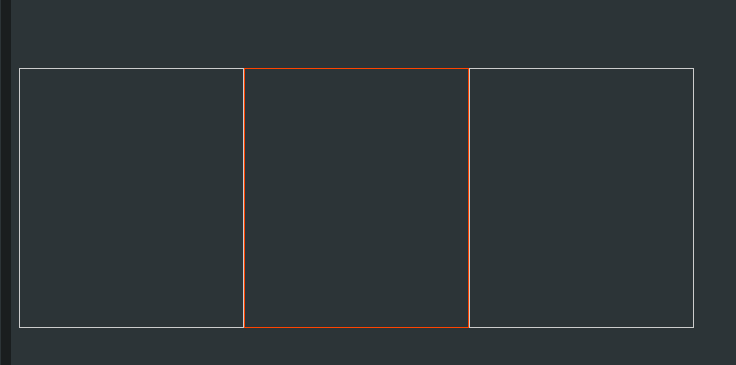
###解决1像素问题
样式中添加
margin-left: -1px;
###当鼠标移进来时候出现新的问题
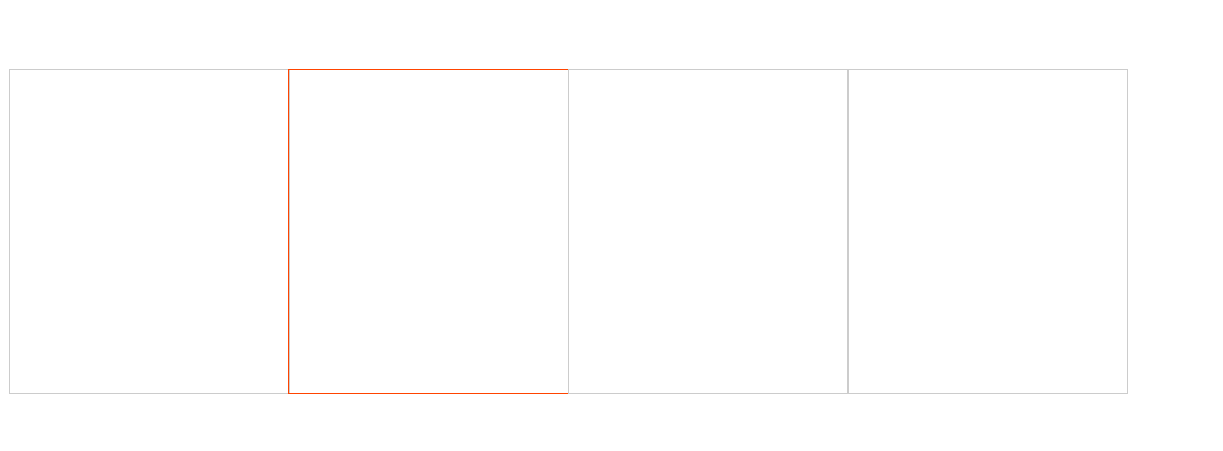
在div:hover 中添加定位,占据位置
position: relative;
###边框被覆盖问题链接 http://runjs.cn/detail/jrcqvnu5 ###完整代码
<!DOCTYPE html>
<html>
<head>
	<title></title>
	<style type="text/css">
		.test {
			width: 223px;
			height: 258px;
			border: 1px solid #ccc;
			margin-top: 100px;
			float: left;

			margin-left: -1px;/*  添加的,解决1像素 */
		}
		.test:hover {
			border: 1px solid #f40;
			/*  解决某边框覆盖 */
			position: relative;
		}

	</style>
</head>
<body>
<div class="test">
</div>
<div class="test"></div>
<div class="test"></div>
<div class="test"></div>

</body>
</html>
###问题:当当前容器有定位时候时候,该效果没用。
###再度解决:
<!DOCTYPE html>
<html>
<head>
	<title></title>
	<style type="text/css">
/*		.test {
			width: 223px;
			height: 258px;
			border: 1px solid #ccc;
			margin-top: 100px;
			float: left;

			margin-left: -1px;
		}
		.test:hover {
			border: 1px solid #f40;

			position: relative;
		}
*/
		.test {
			width: 150px;
            height: 150px;
            border: 1px solid #ccc;
            margin-top: 100px;
            float: left;
            margin-left: -1px;
            position: relative;
		}
		.test:hover {
            border: 1px solid #f40;
            z-index: 1;

        }
	</style>
</head>
<body>
<div class="test">
	<!-- <div class="">热卖</div> -->
</div>
<div class="test"></div>
<div class="test"></div>
<div class="test"></div>

</body>
</html>
具体链接效果: http://runjs.cn/detail/ykartdjk

