

云友“kindasusenn”在安装 jupyter notebook 时遇到了问题,所以在这里也想实践一下。
环境:Debian 8
过程:
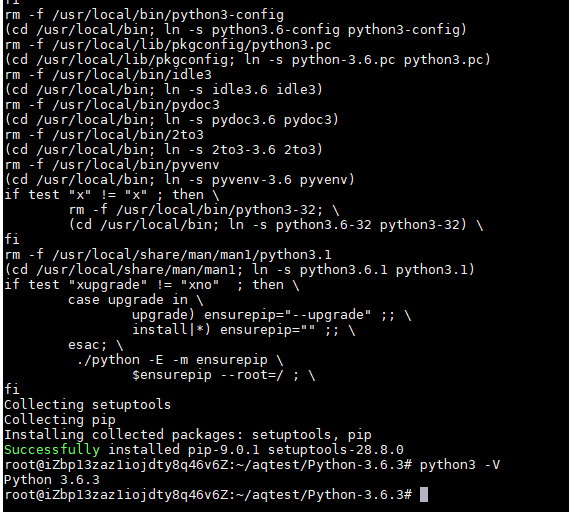
1. Debian 8 默认的 python 版本是2.7,按 jupyter notebook 的安装建议,先安装 python3.6:
复制代码
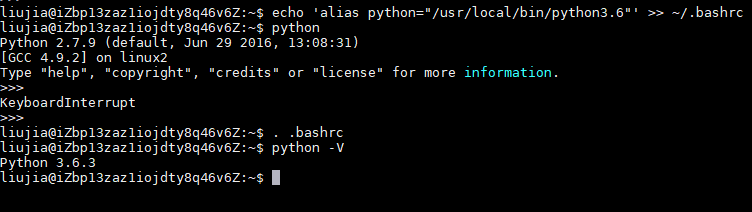
2. 新建一个普通用户,如liujia,登录后将python3.6加到bash配置文件中:
复制代码
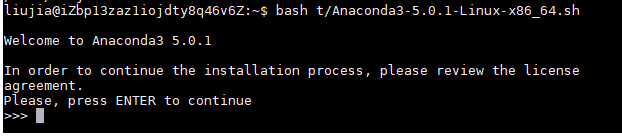
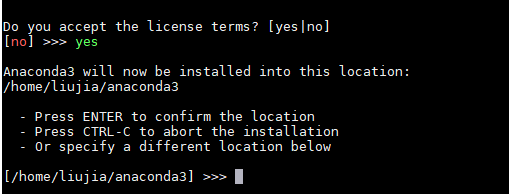
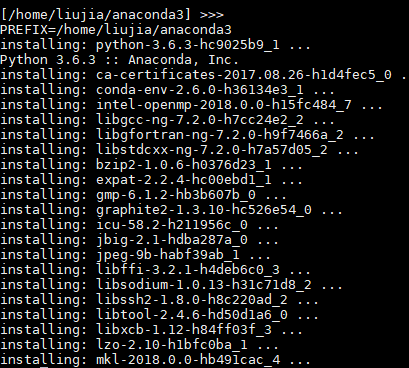
3. 下载 Anaconda3,安装:
复制代码
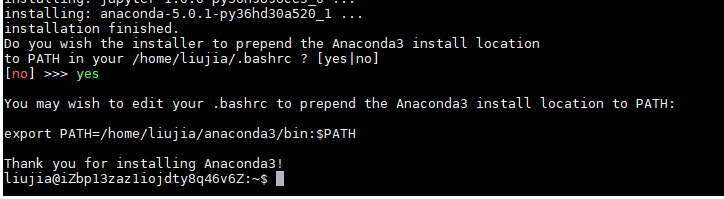
4. 安装好后,将 Anaconda3 路径加到 bash 配置文件中:
复制代码
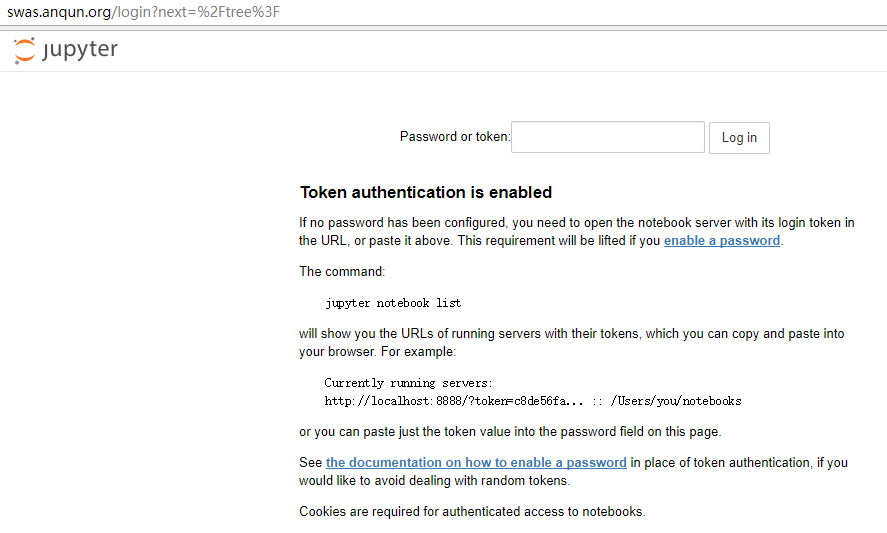
5. 运行 jupyter notebook
复制代码
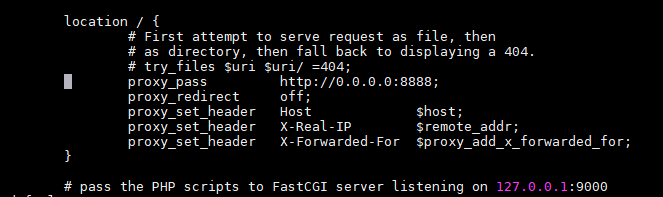
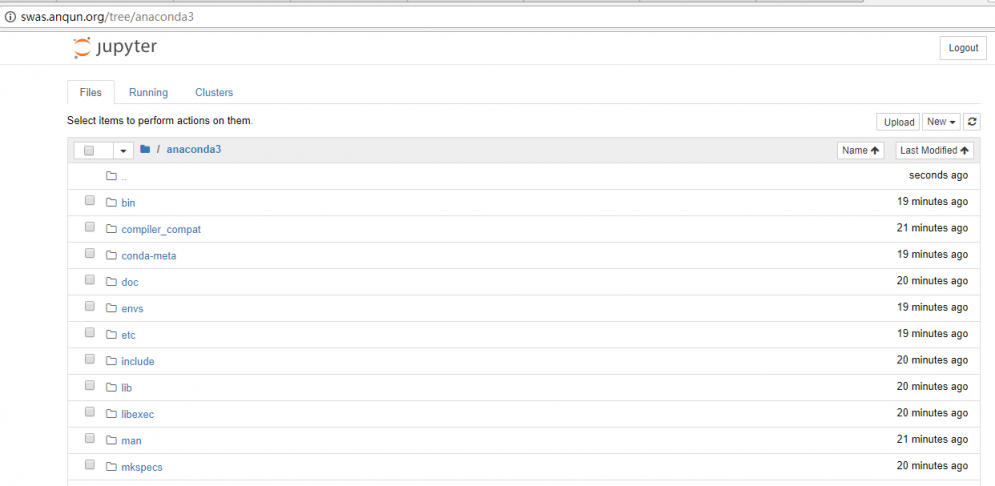
6. 默认 jupyter notebook 使用 8888 端口,如需通过 80 端口访问(ECS实例安全组规则允许外网访问80端口),可安装 nginx 后使用 proxy_pass 代理访问
参考:
[ 此帖被dongshan8在2017-11-21 18:09重新编辑 ]
环境:Debian 8
过程:
1. Debian 8 默认的 python 版本是2.7,按 jupyter notebook 的安装建议,先安装 python3.6:
复制代码
- wget https://www.python.org/ftp/python/3.6.3/Python-3.6.3.tgz
- tar xzvf Python-3.6.3.tgz
- cd Python-3.6.3
- ./configure
- make
- make install
2. 新建一个普通用户,如liujia,登录后将python3.6加到bash配置文件中:
复制代码
- echo 'alias python="/usr/local/bin/python3.6"' >> ~/.bashrc
3. 下载 Anaconda3,安装:
复制代码
- wget https://repo.continuum.io/archive/Anaconda3-5.0.1-Linux-x86_64.sh
- bash ./Anaconda3-5.0.1-Linux-x86_64.sh
4. 安装好后,将 Anaconda3 路径加到 bash 配置文件中:
复制代码
- export PATH=/home/liujia/anaconda3/bin:$PATH
- source ~/.bashrc
5. 运行 jupyter notebook
复制代码
- jupyter notebook --no-browser --ip=0.0.0.0
6. 默认 jupyter notebook 使用 8888 端口,如需通过 80 端口访问(ECS实例安全组规则允许外网访问80端口),可安装 nginx 后使用 proxy_pass 代理访问
参考:
- linuxconfig.org/how-to-chan…
- www.yuzhi100.com/article/deb…
- www.anaconda.com/download/#l…
- jupyter.org/install.htm…
[ 此帖被dongshan8在2017-11-21 18:09重新编辑 ]
