

睡觉前写点关于itchat的文章,itchat是python里针对微信的模块,它非常强大,使用起来也很傻瓜,保证你一看就会。
本文代码基于Python
代码运行平台为阿里云ECS CentOS release 6.5
开篇题外话!!!
我就是超级大贱人,只要是我所在的群,一切妖魔鬼怪都别想撤回消息!嘿嘿嘿!
一、itchat模块
资料很全,我就不再啰嗦了,直接上连接:
简单说来,itchat利用了网页版微信,它模拟了网页伴微信的登录过程,所以能在网页版微信上做的事情,itchat都能做,除了朋友圈,因为朋友圈还没有开放web接口。
二、查看微信撤回消息的原理
将每一条消息缓存下来,然后在检测到消息撤回时,将已经暂存的消息发送给你。
几点点拨:
- msg_register 将你需要监控的消息类型注册,紧随其后的函数的操作对象,就是你刚才注册的这些消息类型,可以使文本、图片、公众号消息、群消息。。。
- 注册中的“isGroupChat=True” 表示注册的是群消息,即群消息的撤回也无处遁形。当然,紧随其后的函数就是针对群消息的。
- 检测到消息撤回后,这里,itchat.send_msg(msg_body, toUserName='filehelper'),脚本把消息发送给了文件助手,当然你也可以发送给自己(不要toUserName这个域即可),不过我主要是为了区分撤回消息。
- 登录中itchat.auto_login(enableCmdQR=True, hotReload=True)中的enableCmdQR=True表示生成字符格式的二维码,不加这个参数的话会生成图片格式的二维码,在CentOS中打不开啊,所以这个域一定要有;第二个hotReload,顾名思义,就是你用手机扫码登录了一次之后,下次再run脚本就不用扫码了,直接登录,当然前提是中间没有在其他平台上登录过。
三、源代码
# coding:utf-8
import itchat
from itchat.content import TEXT
from itchat.content import *
import sys
import time
import re

reload(sys)
sys.setdefaultencoding('utf8')
import os

msg_information = {}
face_bug=None  #针对表情包的内容


@itchat.msg_register([TEXT, PICTURE, FRIENDS, CARD, MAP, SHARING, RECORDING, ATTACHMENT, VIDEO],isFriendChat=True, isMpChat=True)
def handle_receive_msg(msg):
    global face_bug
    msg_time_rec = time.strftime("%Y-%m-%d %H:%M:%S", time.localtime())   #接受消息的时间
    msg_from = itchat.search_friends(userName=msg['FromUserName'])['NickName']   #在好友列表中查询发送信息的好友昵称
    msg_time = msg['CreateTime']    #信息发送的时间
    msg_id = msg['MsgId']    #每条信息的id
    msg_content = None      #储存信息的内容
    msg_share_url = None    #储存分享的链接,比如分享的文章和音乐
    print msg['Type']
    print msg['MsgId']
    if msg['Type'] == 'Text' or msg['Type'] == 'Friends':     #如果发送的消息是文本或者好友推荐
        msg_content = msg['Text']
        print msg_content

    #如果发送的消息是附件、视屏、图片、语音
    elif msg['Type'] == "Attachment" or msg['Type'] == "Video" \
            or msg['Type'] == 'Picture' \
            or msg['Type'] == 'Recording':
        msg_content = msg['FileName']    #内容就是他们的文件名
        msg['Text'](str(msg_content))    #下载文件
        # print msg_content
    elif msg['Type'] == 'Card':    #如果消息是推荐的名片
        msg_content = msg['RecommendInfo']['NickName'] + '的名片'    #内容就是推荐人的昵称和性别
        if msg['RecommendInfo']['Sex'] == 1:
            msg_content += '性别为男'
        else:
            msg_content += '性别为女'

        print msg_content
    elif msg['Type'] == 'Map':    #如果消息为分享的位置信息
        x, y, location = re.search(
            "<location x=\"(.*?)\" y=\"(.*?)\".*label=\"(.*?)\".*", msg['OriContent']).group(1, 2, 3)
        if location is None:
            msg_content = r"纬度->" + x.__str__() + " 经度->" + y.__str__()     #内容为详细的地址
        else:
            msg_content = r"" + location
    elif msg['Type'] == 'Sharing':     #如果消息为分享的音乐或者文章,详细的内容为文章的标题或者是分享的名字
        msg_content = msg['Text']
        msg_share_url = msg['Url']       #记录分享的url
        print msg_share_url
    face_bug=msg_content

##将信息存储在字典中,每一个msg_id对应一条信息
    msg_information.update(
        {
            msg_id: {
                "msg_from": msg_from, "msg_time": msg_time, "msg_time_rec": msg_time_rec,
                "msg_type": msg["Type"],
                "msg_content": msg_content, "msg_share_url": msg_share_url
            }
        }
    )

@itchat.msg_register([TEXT, PICTURE, FRIENDS, CARD, MAP, SHARING, RECORDING, ATTACHMENT, VIDEO], isGroupChat=True)
def handle_receive_msg(msg):
    global face_bug
    msg_time_rec = time.strftime("%Y-%m-%d %H:%M:%S", time.localtime())   #接受消息的时间
    # groupid = msg['FromUserName']
    # chatroom = itchat.search_chatrooms(userName=groupid)
    msg_Actual_from = msg['ActualNickName']
    msg_from = msg_Actual_from
    msg_time = msg['CreateTime']    #信息发送的时间
    msg_id = msg['MsgId']    #每条信息的id
    msg_content = None      #储存信息的内容
    msg_share_url = None    #储存分享的链接,比如分享的文章和音乐
    print msg['Type']
    print msg['MsgId']
    if msg['Type'] == 'Text' or msg['Type'] == 'Friends':     #如果发送的消息是文本或者好友推荐
        msg_content = msg['Text']
        print msg_content

    #如果发送的消息是附件、视屏、图片、语音
    elif msg['Type'] == "Attachment" or msg['Type'] == "Video" \
            or msg['Type'] == 'Picture' \
            or msg['Type'] == 'Recording':
        msg_content = msg['FileName']    #内容就是他们的文件名
        msg['Text'](str(msg_content))    #下载文件
        # print msg_content
    elif msg['Type'] == 'Card':    #如果消息是推荐的名片
        msg_content = msg['RecommendInfo']['NickName'] + '的名片'    #内容就是推荐人的昵称和性别
        if msg['RecommendInfo']['Sex'] == 1:
            msg_content += '性别为男'
        else:
            msg_content += '性别为女'

        print msg_content
    elif msg['Type'] == 'Map':    #如果消息为分享的位置信息
        x, y, location = re.search(
            "<location x=\"(.*?)\" y=\"(.*?)\".*label=\"(.*?)\".*", msg['OriContent']).group(1, 2, 3)
        if location is None:
            msg_content = r"纬度->" + x.__str__() + " 经度->" + y.__str__()     #内容为详细的地址
        else:
            msg_content = r"" + location
    elif msg['Type'] == 'Sharing':     #如果消息为分享的音乐或者文章,详细的内容为文章的标题或者是分享的名字
        msg_content = msg['Text']
        msg_share_url = msg['Url']       #记录分享的url
        print msg_share_url
    face_bug=msg_content

##将信息存储在字典中,每一个msg_id对应一条信息
    msg_information.update(
        {
            msg_id: {
                "msg_from": msg_from, "msg_time": msg_time, "msg_time_rec": msg_time_rec,
                "msg_type": msg["Type"],
                "msg_content": msg_content, "msg_share_url": msg_share_url
            }
        }
    )


##这个是用于监听是否有消息撤回
@itchat.msg_register(NOTE, isFriendChat=True, isGroupChat=True, isMpChat=True)
def information(msg):
    #这里如果这里的msg['Content']中包含消息撤回和id,就执行下面的语句
    if '撤回了一条消息' in msg['Content']:
        old_msg_id = re.search("\<msgid\>(.*?)\<\/msgid\>", msg['Content']).group(1)   #在返回的content查找撤回的消息的id
        old_msg = msg_information.get(old_msg_id)    #得到消息
        print old_msg
        if len(old_msg_id)<11:  #如果发送的是表情包
            itchat.send_file(face_bug,toUserName='filehelper')
        else:  #发送撤回的提示给文件助手
            msg_body = "【"\
                       + old_msg.get('msg_from') + " 群消息撤回提醒】\n"\
                       + " 撤回了 " + old_msg.get("msg_type") + " 消息:" + "\n" \
                       + old_msg.get('msg_time_rec') + "\n" \
                       + r"" + old_msg.get('msg_content')
            #如果是分享的文件被撤回了,那么就将分享的url加在msg_body中发送给文件助手
            if old_msg['msg_type'] == "Sharing":
                msg_body += "\n就是这个链接➣ " + old_msg.get('msg_share_url')

            # 将撤回消息发送到文件助手
            itchat.send_msg(msg_body, toUserName='filehelper')
            # 有文件的话也要将文件发送回去
            if old_msg["msg_type"] == "Picture" \
                    or old_msg["msg_type"] == "Recording" \
                    or old_msg["msg_type"] == "Video" \
                    or old_msg["msg_type"] == "Attachment":
                file = '@fil@%s' % (old_msg['msg_content'])
                itchat.send(msg=file, toUserName='filehelper')
                os.remove(old_msg['msg_content'])
            # 删除字典旧消息
            msg_information.pop(old_msg_id)

# Main
itchat.auto_login(enableCmdQR=True, hotReload=True)
itchat.run()
四、运行结果
首先,
可以看到我用红框框出来的两个文件,其中itchat.pkl是登录的临时文件,有这个文件脚本才能热登陆,绿色的就是脚本,其他的以17开头的都是撤回消息的缓存,尤其图片:

然后,
我是24h在后台运行的,这样才能保证撤回消息得到实时监控:
(myecs):/home/shanewa/wechat/withdraw:>
$ nohup python withdraw.py > /tmp/withdraw.py.record &
最后,
视频展示,嘿嘿:
(视频中我不小心点了收藏,唉,紧张了,怕被打,哈哈)
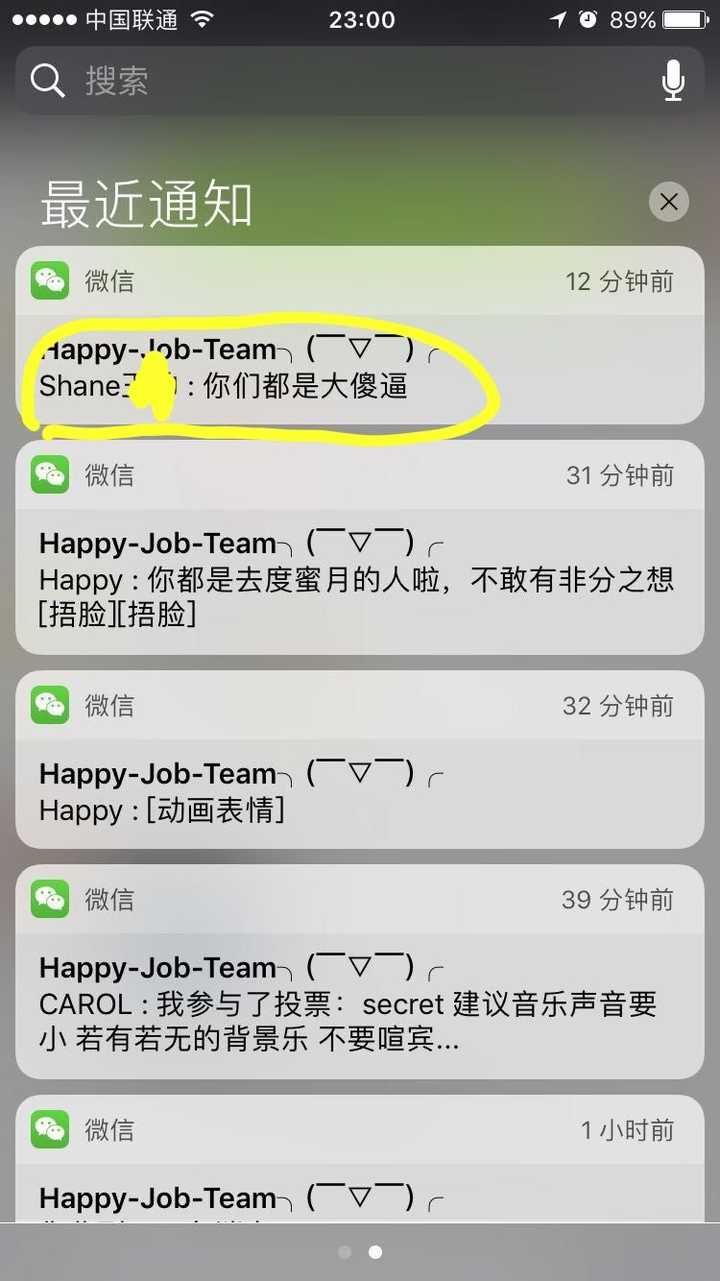
发测试消息的时候,被抓现行了,被眼快同事截图了,😂😂😂
我搞的其他有趣的小研究:
谢谢!
如果有其他问题需要交流的话欢迎私信或者email(shanewa@qq.com)。
