

转载请标明出处:http://blog.csdn.net/sh_12345/article/details/52860180
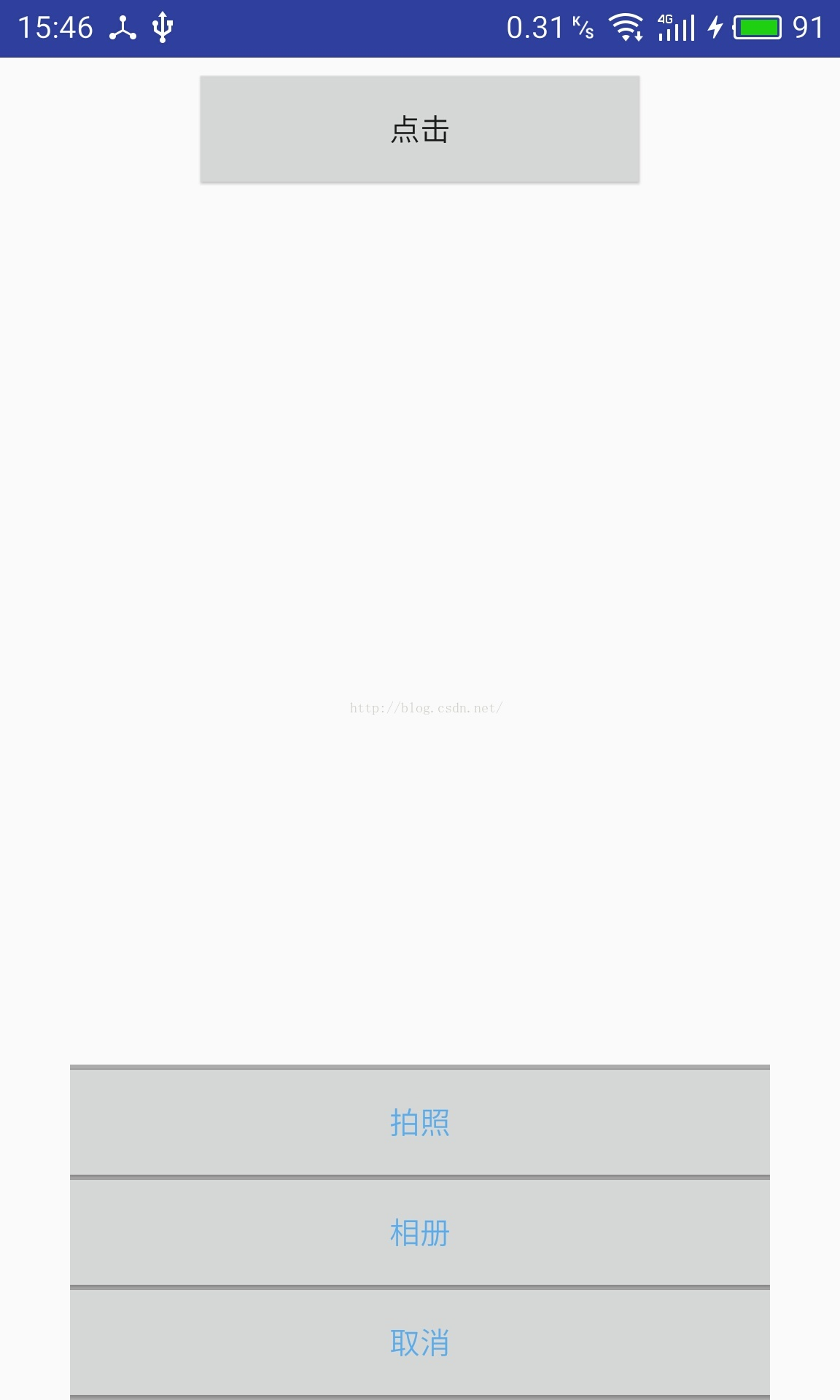
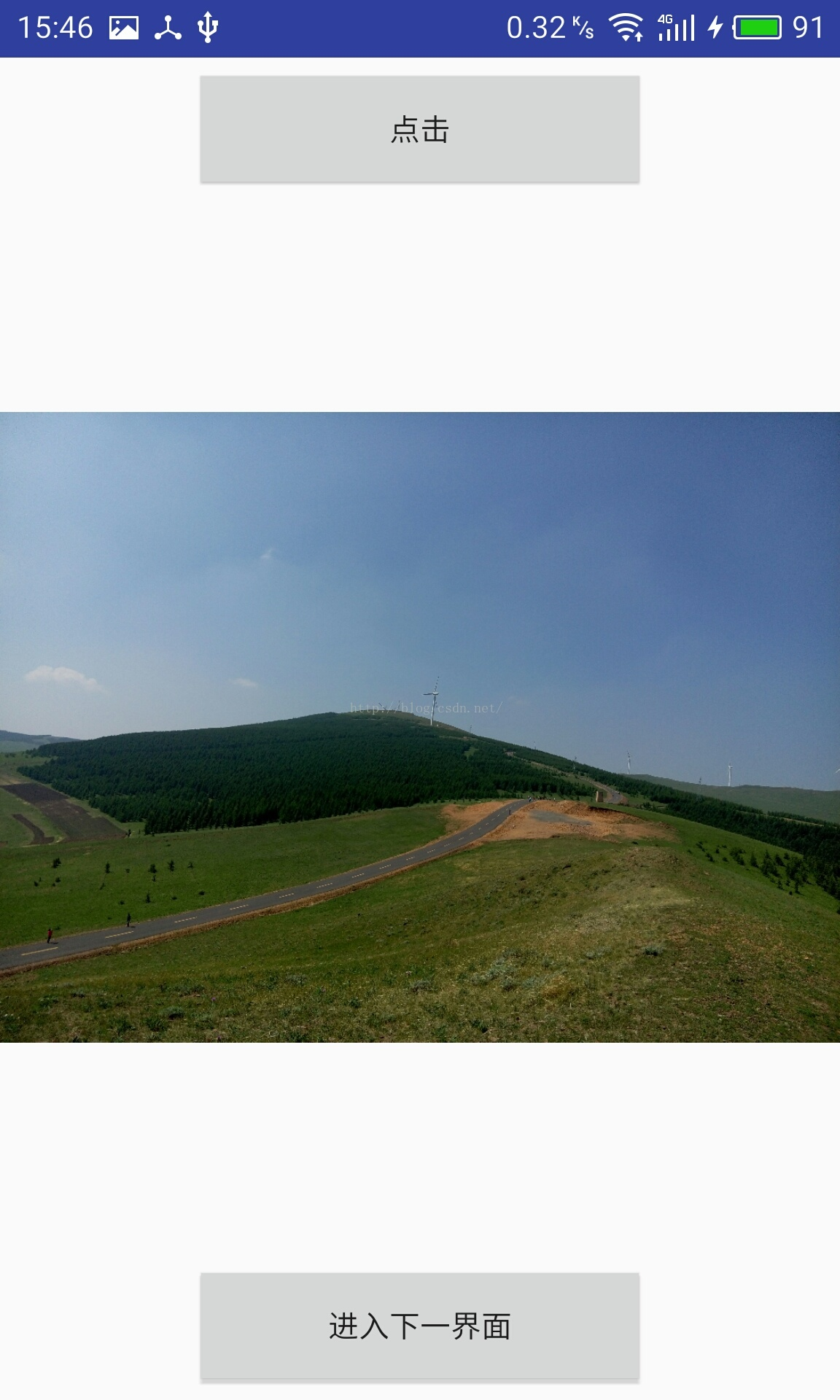 private PopupWindow mpopupWindow;private final int SCALE = 5;
private static final int REQUEST_CODE_CAMERA = 0x001;//拍照
private static final int REQUEST_CODE_PHOTO = 0x002;//相册
private PopupWindow mpopupWindow;private final int SCALE = 5;
private static final int REQUEST_CODE_CAMERA = 0x001;//拍照
private static final int REQUEST_CODE_PHOTO = 0x002;//相册
-----------------------------------------------------------------------------------------------------------------------------------
switch (view.getId()) {
    case R.id.btn://点击
        showPopupWindow();
        break;
    case R.id.next://下一界面
        Intent intent = new Intent(MainActivity.this, SecondActivity.class);
        startActivity(intent);
        break;
    case R.id.mCamera://拍照
        Intent camera = new Intent(MediaStore.ACTION_IMAGE_CAPTURE);
        startActivityForResult(camera, REQUEST_CODE_CAMERA);
        mpopupWindow.dismiss();

        break;
    case R.id.mPhoto://相册
        Intent photo = new Intent(Intent.ACTION_GET_CONTENT);
        photo.setType("image/*");//相片类型
        this.startActivityForResult(photo, REQUEST_CODE_PHOTO);
        mpopupWindow.dismiss();

        break;
    case R.id.mCancle://取消
        mpopupWindow.dismiss();
        break;
}private void showPopupWindow() {
View mView = View.inflate(MainActivity.this, R.layout.popupwindow, null);
mpopupWindow = new PopupWindow(mView,
ViewGroup.LayoutParams.WRAP_CONTENT, ViewGroup.LayoutParams.WRAP_CONTENT, true);
Button mCamera = (Button) mView.findViewById(R.id.mCamera);
Button mPhoto = (Button) mView.findViewById(R.id.mPhoto);
Button mCancle = (Button) mView.findViewById(R.id.mCancle);
mCamera.setOnClickListener(this);
mCancle.setOnClickListener(this);
mPhoto.setOnClickListener(this);
mpopupWindow.setContentView(mView);
//点击事件
mpopupWindow.setOutsideTouchable(true);
//弹出窗体可点击
mpopupWindow.setTouchable(true);
mpopupWindow.setAnimationStyle(R.style.mypopwindow_anim_style);
// 实例化一个ColorDrawable颜色为半透明
ColorDrawable dw = new ColorDrawable(0x5e000000);
// 设置SelectPicPopupWindow弹出窗体的背景
mpopupWindow.setBackgroundDrawable(dw);
//显示PopupWindow
View rootview = LayoutInflater.from(MainActivity.this).inflate(R.layout.activity_main, null);
mpopupWindow.showAtLocation(rootview, Gravity.BOTTOM, 0, 0);
}@Override
protected void onActivityResult(int requestCode, int resultCode, Intent data) {
super.onActivityResult(requestCode, resultCode, data);
//拍照
if (requestCode == REQUEST_CODE_CAMERA && resultCode == Activity.RESULT_OK && null != data) {
Bundle bundle = data.getExtras();
//获取相机返回的数据,并转换为图片格式
Bitmap bitmap = (Bitmap) bundle.get("data");
savePic(bitmap);
iv.setImageBitmap(bitmap);//显示图片
} else if (requestCode == REQUEST_CODE_PHOTO) {//相册
ContentResolver resolver = getContentResolver();
if (data != null) {
Uri originalUri = data.getData();
try {
// 使用ContentProvider通过URI获取原始图片
Bitmap photo = MediaStore.Images.Media.getBitmap(resolver,
originalUri);
if (photo != null) {
// 为防止原始图片过大导致内存溢出,这里先缩小原图显示,然后释放原始Bitmap占用的内存
Bitmap bitmap = ImageTools.zoomBitmap(photo,
photo.getWidth() / SCALE, photo.getHeight()
/ SCALE);
photo.recycle();
iv.setImageBitmap(bitmap);//显示图片
}
} catch (FileNotFoundException e) {
e.printStackTrace();
} catch (IOException e) {
e.printStackTrace();
}
}
}
}
/**
* 保存图片
*
* @param bitmap
* @return
*/
private String savePic(Bitmap bitmap) {
String sdState = Environment.getExternalStorageState();
if (!sdState.equals(Environment.MEDIA_MOUNTED)) {
return "";
}
new DateFormat();
String name = DateFormat.format("yyyyMMdd_hhmmss", Calendar.getInstance(Locale.CHINA)) + ".jpg";
FileOutputStream fout = null;
File file = new File("/sdcard/pintu/");
file.mkdirs();
String filename = file.getPath() + name;
try {
fout = new FileOutputStream(filename);
bitmap.compress(Bitmap.CompressFormat.JPEG, 100, fout);
} catch (FileNotFoundException e) {
e.printStackTrace();
} finally {
try {
if (fout != null) {
fout.flush();
fout.close();
}
} catch (IOException e) {
e.printStackTrace();
}
}
return filename;
}注意:还有一些popupwindow出现的动画
