

找过很多博客,全特么一套理论,没有完整的源码,根本都实现不了,
包括鸿洋dalao的,没有源码什么都是浮云...
掘金的文章说要SDK23.0以上才有类库可以调用....
(Android 6.0以下真是哭晕啊!)
项目的构成:之前有介绍过文件资源管理器,但是还是有些东西是没有接触过呢!
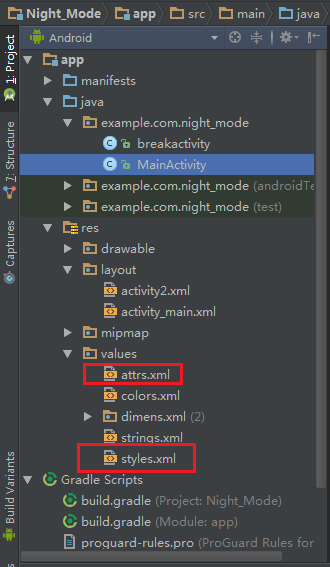
实现效果:主页面
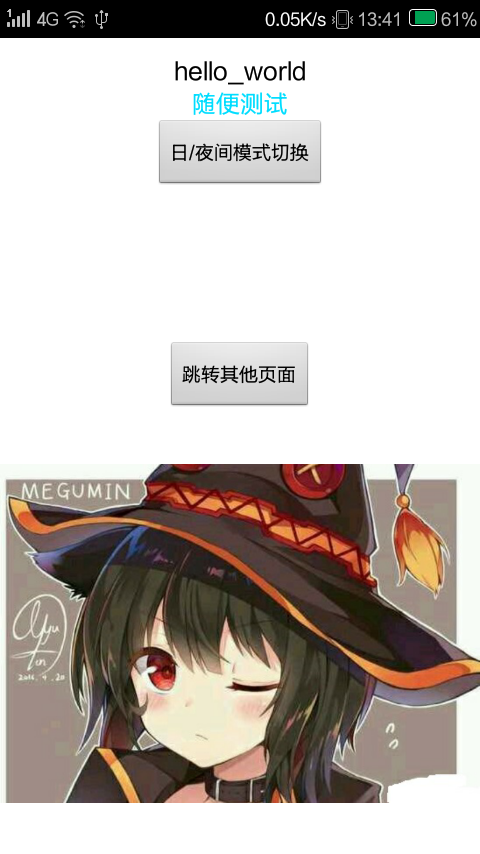
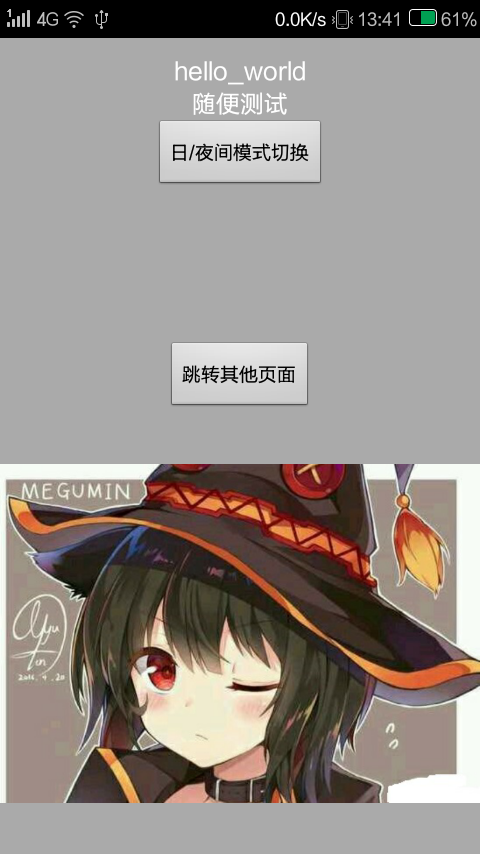
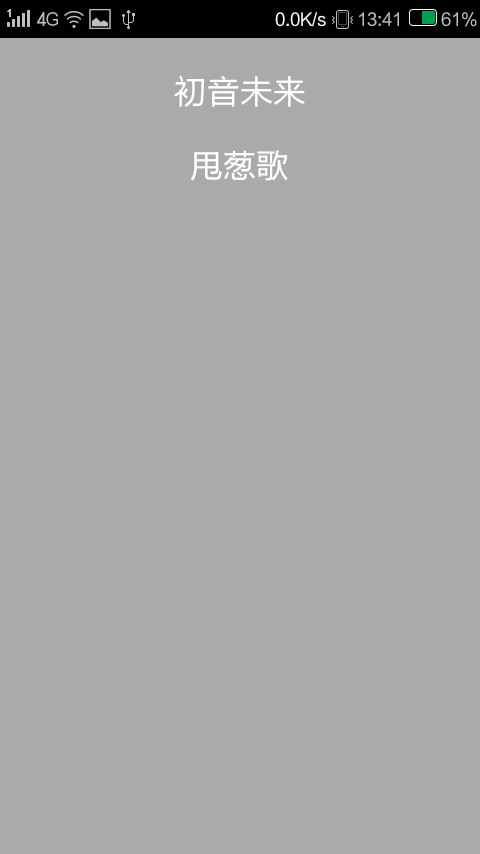
第二个页面:

虽然图片还是有点亮,最好的实现还是加蒙层吧....→、→
一、2个方法:
MainActivity.Java 主方法,切换主题,
另外一个activity 是看看切换主题后有,xml页面有没有收到影响。
MainActivity.java
public class MainActivity extends Activity {

    private static boolean blFlag = false;
    @Override
    protected void onCreate(Bundle savedInstanceState) {
        super.onCreate(savedInstanceState);

        SharedPreferences preferences = getSharedPreferences("default_night", MODE_PRIVATE);
        blFlag = preferences.getBoolean("default_night",true);
        if (blFlag) {
            this.setTheme(R.style.BrowserThemeDefault);
        }
        else {
            this.setTheme(R.style.BrowserThemeNight);
        }

        setContentView(R.layout.activity_main);
    }

    public void btonclick(View view) {
        SharedPreferences preferences = getSharedPreferences("default_night",MODE_PRIVATE);
        SharedPreferences.Editor editor = preferences.edit();
        if (blFlag) {
            this.setTheme(R.style.BrowserThemeNight);
            blFlag =false;
            editor.putBoolean("default_night",false);
        } else {
            this.setTheme(R.style.BrowserThemeDefault);
            blFlag = true;
            editor.putBoolean("default_night",true);

        }
        // 提交修改
        editor.commit();
        this.setContentView(R.layout.activity_main);
    }

    public void btonclick2(View view) {
        Intent intent = new Intent();
        intent.setClass(this, breakActivity.class);
        startActivity(intent);
    }


}
breakActivity.java
public class breakActivity extends Activity {
   private static boolean blFlag = false;
   @Override
   protected void onCreate(Bundle savedInstanceState) {
      super.onCreate(savedInstanceState);
      SharedPreferences preferences = getSharedPreferences("default_night",
            MODE_PRIVATE);
      blFlag = preferences.getBoolean("default_night",true);
      if (blFlag) {
         this.setTheme(R.style.BrowserThemeDefault);
      }
      else {
         this.setTheme(R.style.BrowserThemeNight);
      }
      setContentView(R.layout.activity2);
   }
}
二、2个xml:跟以往有些不同
以前的text,background我们都是直接设定颜色的:
android:textColor="@android:color/black" 现在是
android:textColor="?tvcolor"?是什么意思呢?下面的values文件会解释
activity_main.xml
<LinearLayout xmlns:android="http://schemas.android.com/apk/res/android"
    xmlns:tools="http://schemas.android.com/tools"
    android:layout_width="match_parent"
    android:layout_height="match_parent"
    android:orientation="vertical"
    android:background="?bookimage"
    tools:context="example.com.night_mode.MainActivity">

    <TextView
        android:textColor="?tvcolor"
        android:id="@+id/textView1"
        android:layout_width="match_parent"
        android:layout_height="wrap_content"
        android:text="hello_world"
        android:textSize="16dp"
        android:gravity="center"
        android:layout_marginTop="10dp"/>

    <TextView
        android:textColor="?tvcolor2"
        android:id="@+id/textView2"
        android:layout_width="match_parent"
        android:layout_height="wrap_content"
        android:text="随便测试"
        android:textSize="16dp"
        android:gravity="center"/>

    <Button android:id="@+id/button1"
        android:layout_width="wrap_content"
        android:layout_height="wrap_content"
        android:text="日/夜间模式切换"
        android:layout_centerHorizontal="true"
        android:layout_centerVertical="true"
        android:onClick="btonclick"
        android:layout_gravity="center"/>

    <Button android:id="@+id/button2"
        android:layout_width="wrap_content"
        android:layout_height="wrap_content"
        android:layout_marginTop="100dp"
        android:text="跳转其他页面"
        android:layout_below="@id/textView1"
        android:layout_centerHorizontal="true"
        android:onClick="btonclick2"
        android:layout_gravity="center"/>
    <ImageView
        android:layout_width="wrap_content"
        android:layout_height="wrap_content"
        android:src="@drawable/p3"/>

</LinearLayout>
activity2.xml
<LinearLayout
   android:background="?bookimage"
   android:layout_width="match_parent"
   android:layout_height="match_parent"
   android:orientation="vertical"
   xmlns:android="http://schemas.android.com/apk/res/android">

<TextView
   android:id="@+id/textView3"
   android:textColor="?tvcolor2"
   android:layout_width="wrap_content"
   android:layout_height="wrap_content"
   android:text="初音未来"
   android:textSize="22dp"
   android:layout_gravity="center"
   android:layout_marginTop="20dp"/>

<TextView
   android:textColor="?tvcolor"
   android:layout_width="wrap_content"
   android:layout_height="wrap_content"
   android:text="甩葱歌"
   android:textSize="22dp"
   android:layout_gravity="center"
   android:layout_marginTop="20dp"/>

   </LinearLayout>
三、values文件:
一个很少见的attrs.xml :
这里有点像javaweb中ssh框架中的struts.xml了,可以管理所有的方法
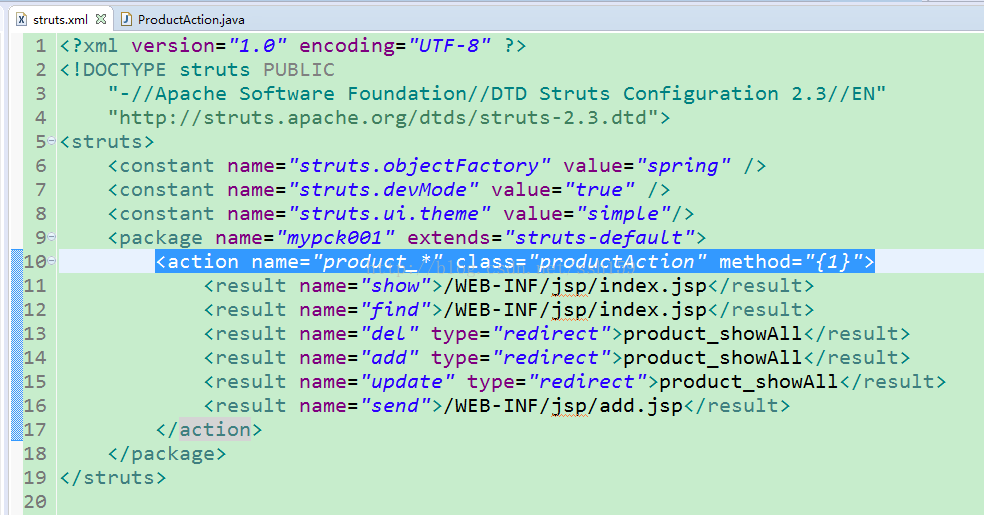
styles.xml:写个白天和黑夜2套主题,换肤的可以参考
attrs.xml:这里我们有三个文件,
分别是:背景色bookimage,文本颜色一:tvcolor,文本颜色二:tvcolor2
<?xml version="1.0" encoding="utf-8"?>
<resources>
    <attr name="bookimage" format="reference|color" />
    <attr name="tvcolor" format="reference|color" />
    <attr name="tvcolor2" format="reference|color"/>
</resources>
styles.xml文件的2个主题:
默认:背景白色,文本一黑色,文本二蓝色;
夜间:背景黑色,文本一白色,文本二白色;
<!-- 默认风格 -->
<style name="BrowserThemeDefault" parent="@android:style/Theme.Black.NoTitleBar">
    <item name="bookimage">@android:color/white</item>
    <item name="tvcolor">@android:color/black</item>
    <item name="tvcolor2">@android:color/holo_blue_bright</item>
</style>


<!-- 夜间模式 -->
<style name="BrowserThemeNight" parent="@android:style/Theme.Black.NoTitleBar">
    <item name="bookimage">@android:color/darker_gray</item>
    <item name="tvcolor">@android:color/white</item>
    <item name="tvcolor2">@android:color/white</item>
</style>
这里只能调用类库中有的颜色,我试了下color自定义的颜色,
居然不行!
要是有人解决了告诉我一下....
有问题去贴吧提问,谢谢!
