

之前只是简单介绍了一些动画方面的属性之类的,一些基础概念,感觉效果并不是很好,我自己讲起来也觉得比较枯燥,更不要说让别人有兴趣看下去,接下来,在动画方面,尽量坚持实现一些实际的效果,这样看起来也舒服,也能在实践中用起来
我们今天做一个登录界面的动效,在我们进入登录界面时,登录框从左边飞出,并且登录界面还有云朵,渐渐出现。在这一个章节中,我们将介绍在UIView的动画中,option的不同效果。
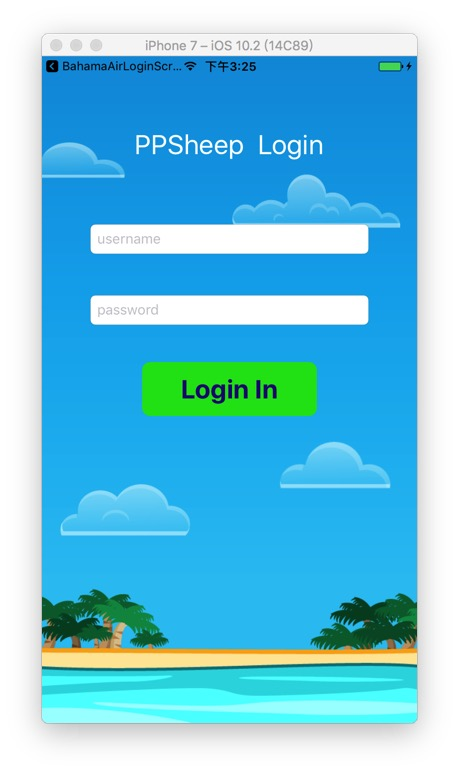
准备好做动画的界面
首先新建一个工程,做好如下的界面,界面的绘制,我就不讲了,到时候这个工程我会上传到github,素材可以直接去那里取的
飞入的动画效果
我们首先来实现的效果是让header “PPSheep Login” 首先飞入,然后username的输入框,密码的输入框随后飞入
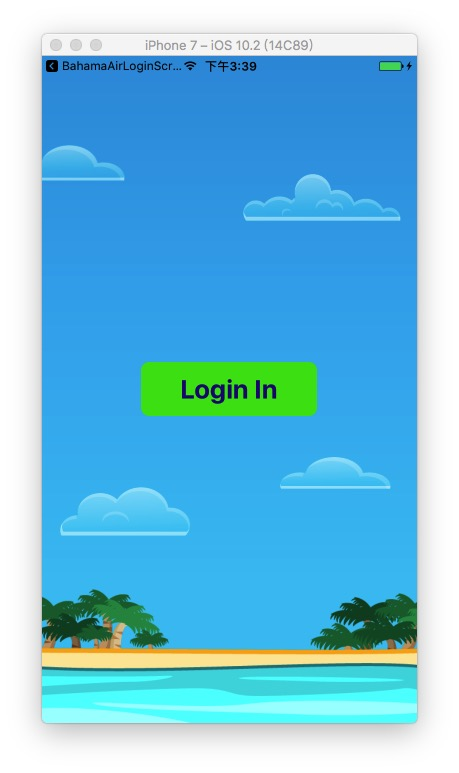
在页面出现之前,我们不能够让这三个元素出现在界面上,首先,我们在viewWillApper方法中,在页面即将出现前,将三个元素移出界面
override func viewWillAppear(_ animated: Bool) {
    super.viewWillAppear(animated)
    headingLabel.center.x -= view.bounds.width
    usernameTextFiled.center.x -= view.bounds.width
    passwordTextFiled.center.x -= view.bounds.width
}
像这样
然后我们就可以开始实现动画效果
在页面完全出现的时候,我们将三个元素从左挪至可视区域
override func viewDidAppear(_ animated: Bool) {
    UIView.animate(withDuration: 0.5, delay: 0, options: [], animations: {
        self.headingLabel.center.x += self.view.bounds.width
        self.usernameTextFiled.center.x += self.view.bounds.width
        self.passwordTextFiled.center.x += self.view.bounds.width
    }, completion: nil)
}
看一下实现效果

但是这样,看起来怪怪的,都是同时进入,我们想要分开一下,比如标题先进入,然后接着用户名,再接着密码。这个时候就需要用到方法中的一个delay参数,这个可以设置延迟多少时间执行
override func viewDidAppear(_ animated: Bool) {
    UIView.animate(withDuration: 0.5, delay: 0, options: [], animations: {
        self.headingLabel.center.x += self.view.bounds.width
    }, completion: nil)

    UIView.animate(withDuration: 0.5, delay: 0.5, options: [], animations: {
        self.usernameTextFiled.center.x += self.view.bounds.width
    }, completion: nil)

    UIView.animate(withDuration: 0.5, delay: 0.7, options: [], animations: {
        self.passwordTextFiled.center.x += self.view.bounds.width
    }, completion: nil)
}
在这里我们使用了delay这个参数,来达到执行动画的先后顺序
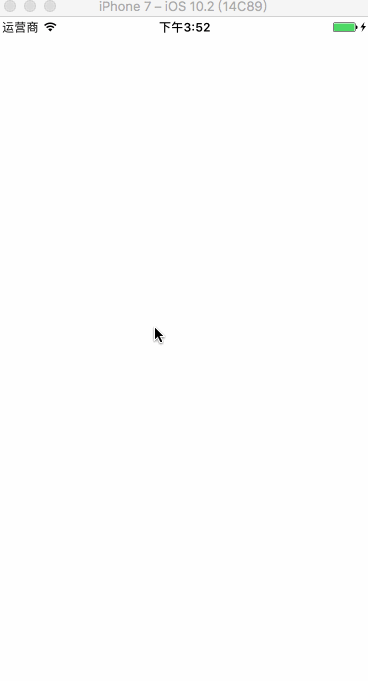
那其中还有一个参数,option,我们一直没有使用,它是做什么的?这里面包含了很多动画的一些效果,我就挑其中我们最常使用的来讲一下,看一下效果
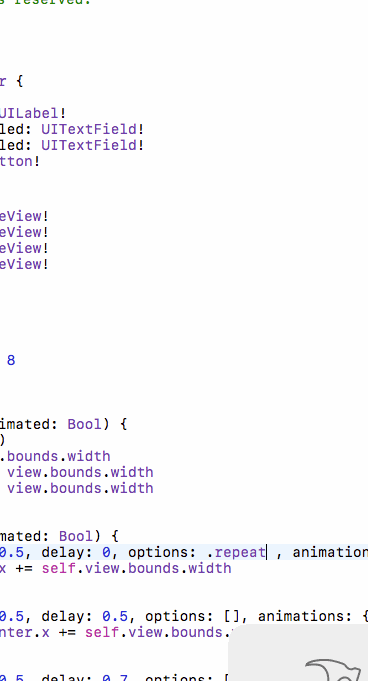
repeat重复动画效果
我们将option设置为repeat
UIView.animate(withDuration: 0.5, delay: 0, options: .repeat , animations: {
    self.headingLabel.center.x += self.view.bounds.width
}, completion: nil)
实现的是一个重复的动画效果
autoreverse回弹效果
UIView.animate(withDuration: 0.5, delay: 0, options: .autoreverse , animations: {
    self.headingLabel.center.x += self.view.bounds.width
}, completion: nil)
这样是在动画执行将要结束的时候,会有一个向原来位置趋向的一个动画

curveEaseInOut慢进慢出
通常上面的两个option经常和这个慢进慢出结合起来使用
UIView.animate(withDuration: 0.5, delay: 0, options: [.repeat,.autoreverse,.curveEaseInOut] , animations: {
    self.headingLabel.center.x += self.view.bounds.width
}, completion: nil)
形成一个循环的效果图
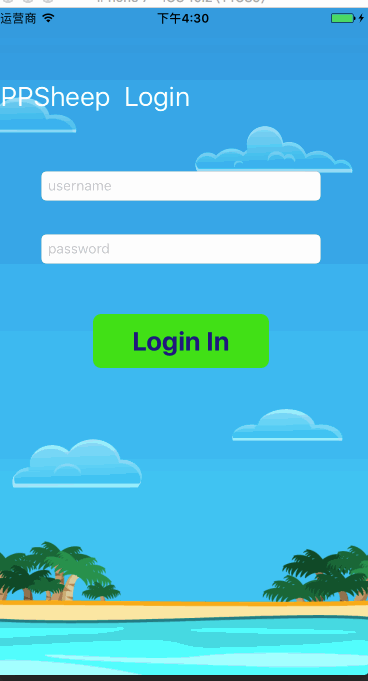
这个有一个循环,且适合我们审美的一个动画效果
云朵的出现alpha
控制一个空间渐渐出现,其实就是讲alpha值的改变放到动画中,alpha从 0 到 1 渐渐出现
UIView.animate(withDuration: 0.7, delay: 1, options: [], animations: {
    self.cloud1.alpha = 1
    self.cloud2.alpha = 1
    self.cloud3.alpha = 1
    self.cloud4.alpha = 1
}, completion: nil)
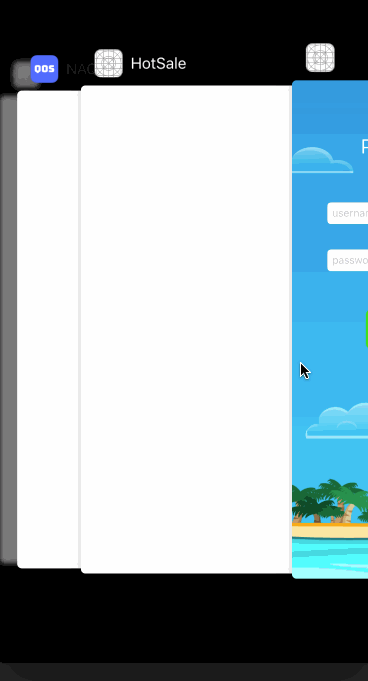
一个完整的动画效果
源码位置:
欢迎大家关注我的公众号,我会定期分享一些我在项目中遇到问题的解决办法和一些iOS实用的技巧,现阶段主要是整理出一些基础的知识记录下来

文章也会同步更新到我的博客:
ppsheep.com
