上一篇文章介绍了使用DialogFragment实现弹底部菜单,这次我们使用android design library 中的Bottom Sheet来实现。
Bottom Sheet是在support library 23.2之后提供的一个新控件,也就是需要用6.0以上的SDK进行编译才可以使用此控件,6.0以下的可以参考上一篇文章,使用DialogFragment实现。
先上效果图:
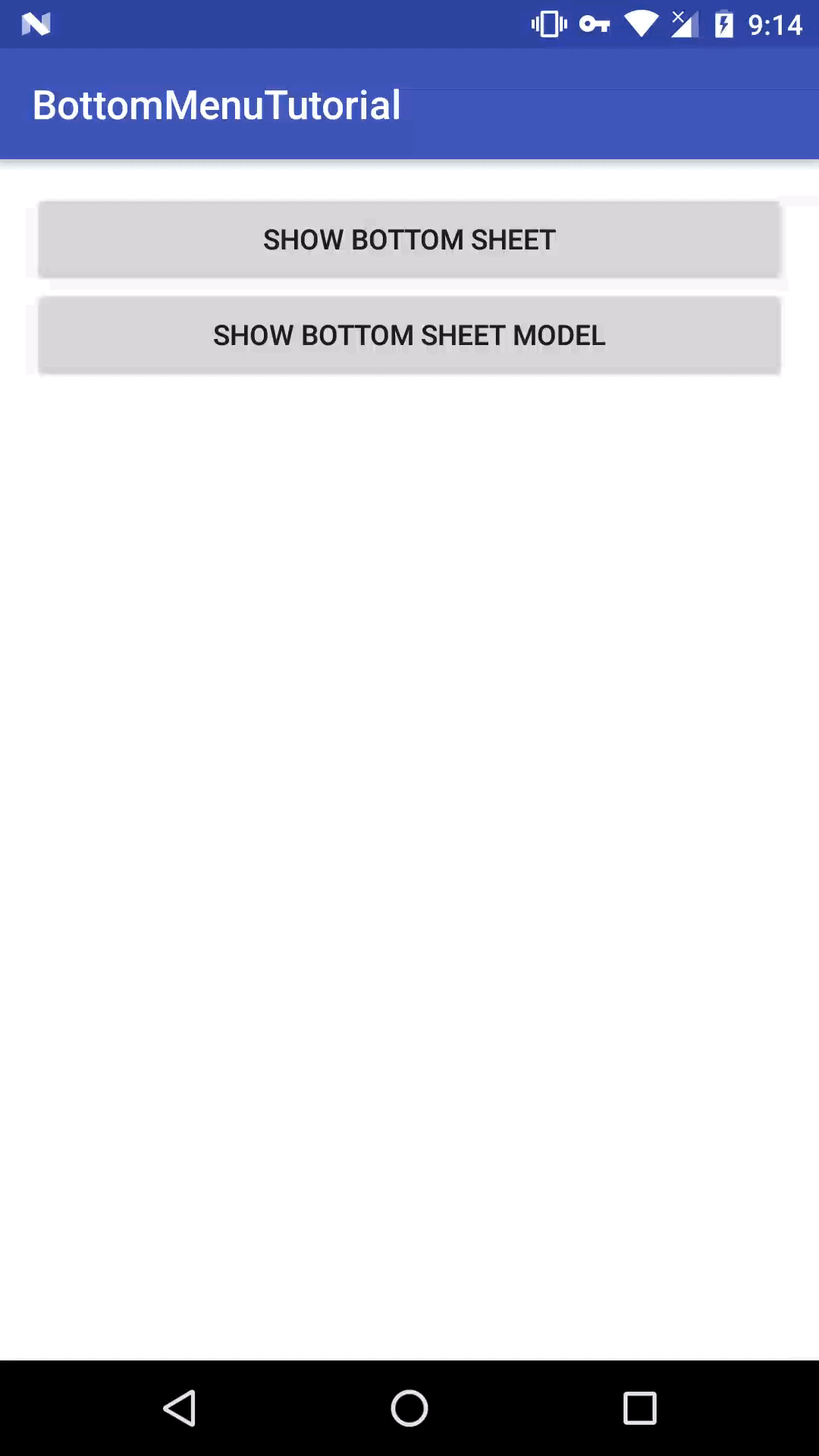
device-2016-09-29-091428.gif
下面我们来一步一步使用Bottom Sheet实现底部弹出框的效果。
添加依赖
compile 'com.android.support:design:24.2.0'这里我使用的是24.2.0版本,但是只要是23.2.0+的版本就可以了
创建一个layout
顶部的布局要用时CoordinatorLayout 这个也是一个design中提供的一个新类。
这个RelativeLayout 就是我们的底部菜单。我们可以看到有几个app开头的属性
app:behavior_peekHeight="300dp"表示弹出后显示的高度为300dp。
app:layout_behavior="@string/bottom_sheet_behavior"表示这是一个bottom sheet。
下面我们继续看Activity中的代码
展示一个普通的Bottom Sheet
        //获取到Bottom Sheet对象
        View bottomSheet = findViewById(R.id.design_bottom_sheet);
        final BottomSheetBehavior behavior = BottomSheetBehavior.from(bottomSheet);
        //默认设置为隐藏
        behavior.setState(BottomSheetBehavior.STATE_HIDDEN);

        mShowBottomSheet = (Button) findViewById(R.id.button);
        mShowBottomSheet.setOnClickListener(new View.OnClickListener() {
            @Override
            public void onClick(View view) {
                showBottomSheet(behavior);
            }
        });
private void showBottomSheet(BottomSheetBehavior behavior) {
if (behavior.getState() == BottomSheetBehavior.STATE_HIDDEN) {
behavior.setState(BottomSheetBehavior.STATE_COLLAPSED);
mShowBottomSheet.setText(R.string.hide_bottom_sheet);
} else {
behavior.setState(BottomSheetBehavior.STATE_HIDDEN);
mShowBottomSheet.setText(R.string.show_bottom_sheet);
}
}展示一个自定义的View
创建一个DialogFragment继承至BottomSheetDialogFragment
public class BottomSheetFragment extends BottomSheetDialogFragment {
    public static BottomSheetFragment newInstance() {
        BottomSheetFragment fragment = new BottomSheetFragment();
        return fragment;
    }

    @Nullable
    @Override
    public View onCreateView(LayoutInflater inflater, @Nullable ViewGroup container, @Nullable Bundle savedInstanceState) {
        return inflater.inflate(R.layout.fragment_bottom_sheet,container,false);
    }
}
显示DialogFragment:
    private void showBottomSheetDialog() {
        BottomSheetFragment fragment = BottomSheetFragment.newInstance();
        fragment.show(getSupportFragmentManager(),BottomSheetFragment.class.getSimpleName());
}源码地址:BottomMenuTutorial,欢迎大家一起交流。