react native datePicker component for both Android and IOS, useing DatePikcerAndroid, TimePickerAndroid and DatePickerIOS
npm install react-native-datepicker --save
Check index.android.js in the Example.
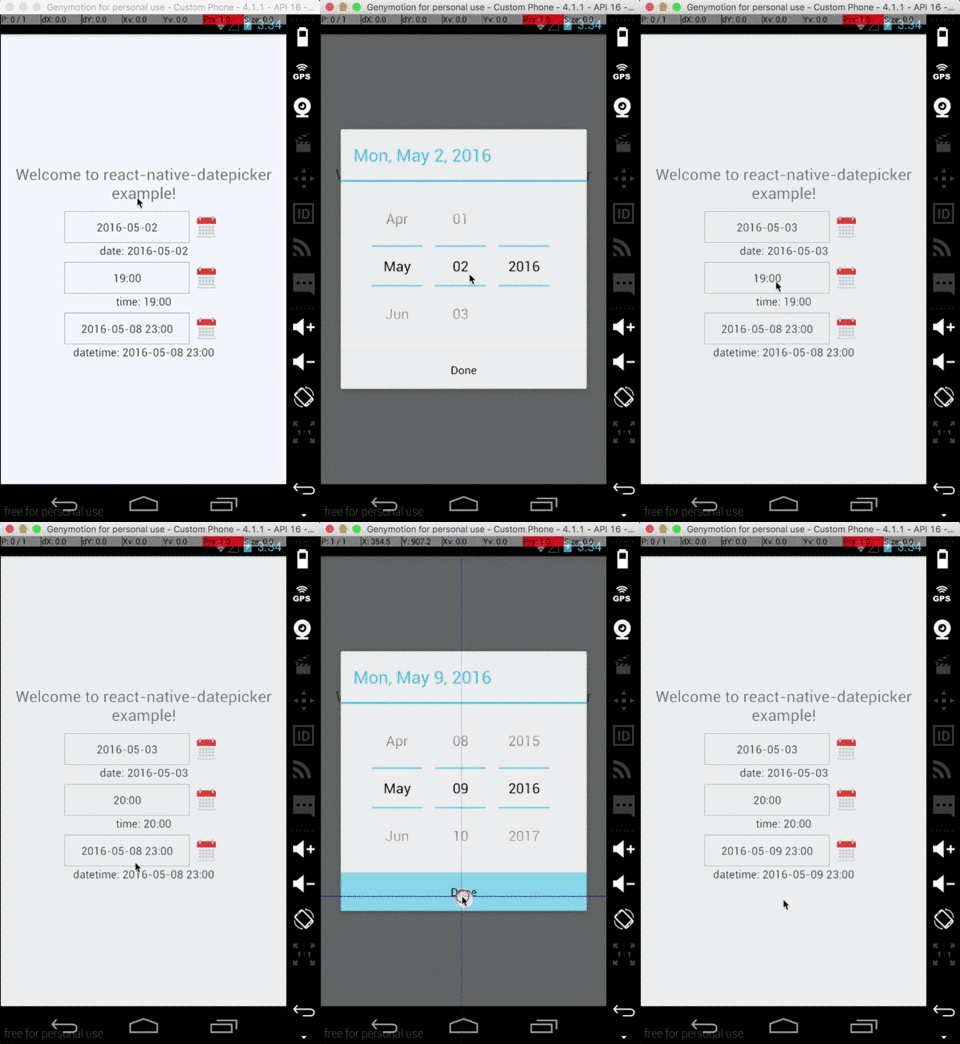
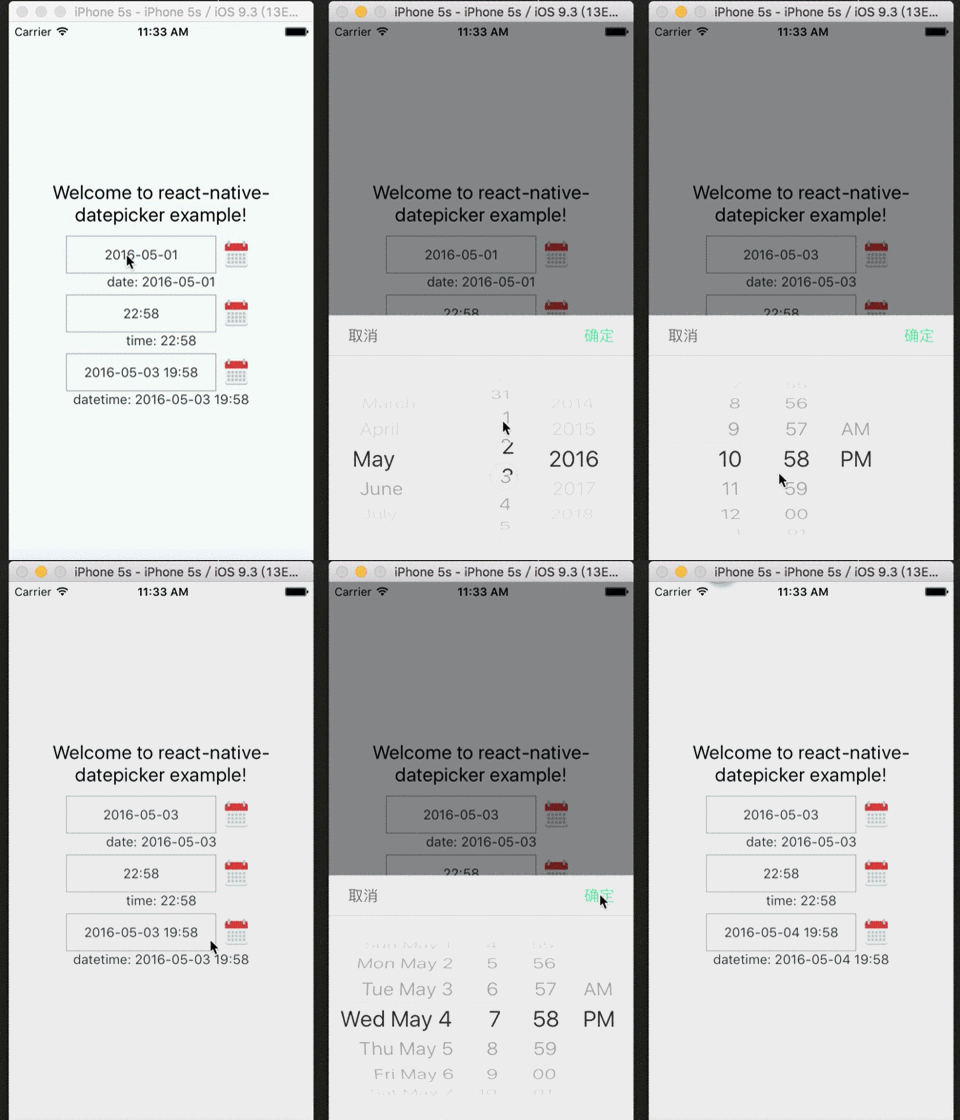
 {this.setState({date: date})}}
/>
You can check index.js in the Example for detail.
| Prop | Default | Type | Description |
|---|---|---|---|
| style | - | object |
Specify the style of the DatePicker, eg. width, height... |
| date | - | string | date |
Specify the display date of DatePicker. string type value must match the specified format |
| mode | 'date' | enum |
The enum of date, datetime and time |
| format | 'YYYY-MM-DD' | string |
Specify the display format of the date, which using moment.js. The default value change according to the mode. |
| confirmBtnText | '确定' | string |
Specify the text of confirm btn in ios. |
| cancelBtnText | '取消' | string |
Specify the text of cancel btn in ios. |
| iconSource | - | {uri: string} | number |
Specify the icon. Same as the source of Image, always using require() |
| minDate | - | string | date |
Restricts the range of possible date values. |
| maxDate | - | string | date |
Restricts the range of possible date values. |
| duration | 300 | number |
Specify the animation duration of datepicker. |
| customStyles | - | number |
The hook of customize datepicker style, same as the native style. dateTouchBody, dateInput... |
| showIcon | true | boolean |
Controller whether or not show the icon |
| placeholder | '' | string |
The placeholder show when this.props.date is falsy |
| onDateChange | - | function |
This is called when the user confirm the picked date or time in the UI. The first and only argument is a date or time string representing the new date and time formatted by moment.js with the given format property. |
| Method | Params | Description |
|---|---|---|
| onPressDate | - | Manually open the date picker panel |
| onPressCancel | - | Manually close the date picker panel like, similarly pressing cancel btn |