ReadabilityKit helps you to extract a relevant preview (title, description, image and video) from the URL.
The goal is to try and get the best extraction from the article for servicing applications that need to show a preview of a web URL along with an image. Comparison with other extraction libraries available here. Comparison with another iOS extraction library (SwiftLinkPreview) available here.
Inspired by snacktory and newspaper.
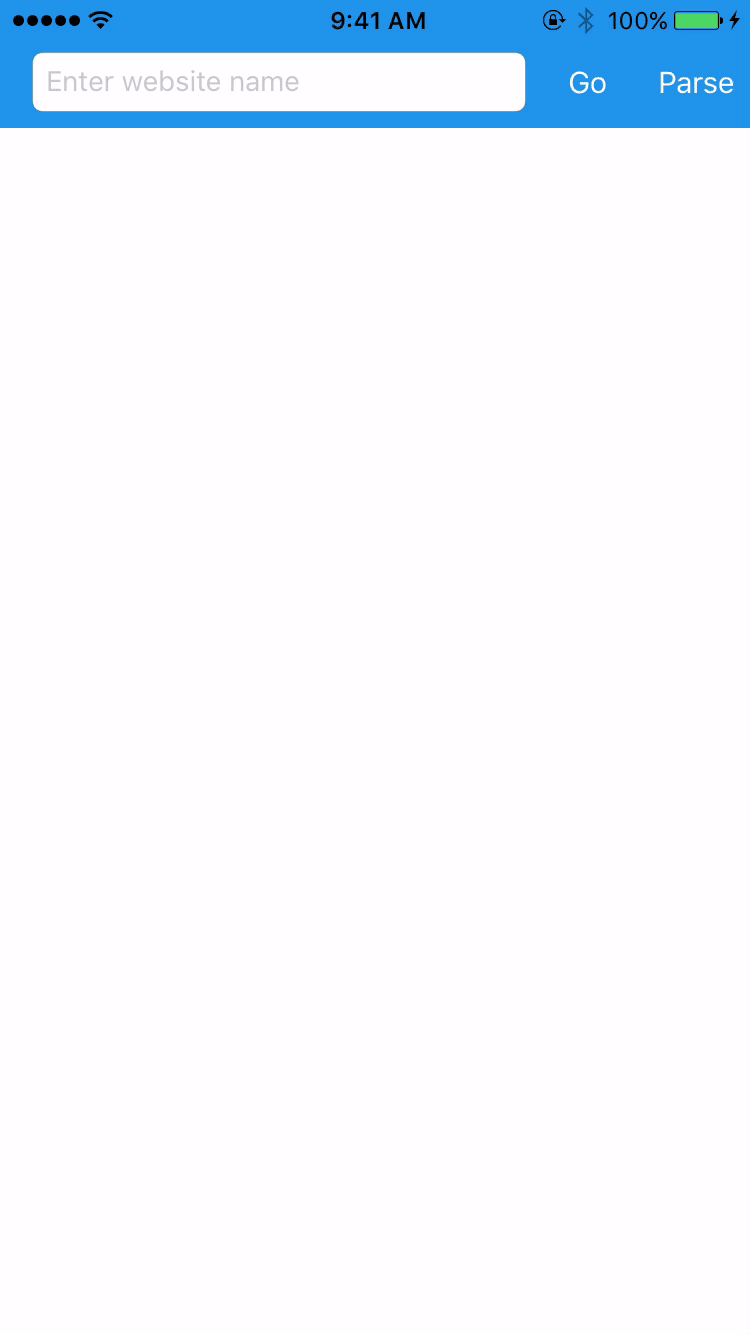
Demo
Features
Extracts:
- Title
- Description
- Top image
- Top video
- Keywords
Requirements
- iOS 8.0+ / Mac OS X 10.9+ / tvOS 9.0+ / watchOS 2.0+
Usage
let parser = Readability(url: articleUrl)

let title = parser.title()
let description = parser.description()
let keywords = parser.keywords()
let imageUrl = parser.topImage()
let videoUrl = parser.topVideo()
To run the example project, clone the repo, and run pod install from the Example directory first.
Comparison with other libraries
| ReadabilityKit | SwiftLinkPreview | python-goose | snacktory | newspaper | |
|---|---|---|---|---|---|
| github | ✅ | ✅ | ✅ | ✅ | ✅ |
| washingtonpost | ✅ | ✅ | ✅ | ✅ | ✅ |
| youtube | ✅ | ❌ | ☑️ | ✅ | ☑️ |
| vimeo | ✅ | ❌ | ✅ | ✅ | ☑️ |
| ✅ | ✅ | ☑️ | ✅ | ✅ | |
| nytimes | ☑️ | ✅ | ❌ | ✅ | ✅ |
| ☑️ | ☑️ | ❌ | ✅ | ❌ | |
| medium | ✅ | ✅ | ✅ | ✅ | ✅ |
| ✅ | ☑️ | ☑️ | ☑️ | ✅ | |
| imgur | ✅ | ✅ | ✅ | ✅ | ✅ |
| flickr | ✅ | ✅ | ❌ | ✅ | ✅ |
| 500px | ✅ | ❌ | ❌ | ✅ | ✅ |
| dribbble | ✅ | ✅ | ☑️ | ✅ | ✅ |
| lenta | ✅ | ✅ | ☑️ | ✅ | ✅ |
| habrahabr | ✅ | ✅ | ☑️ | ✅ | ✅ |
| bbc | ✅ | ✅ | ✅ | ✅ | ✅ |
✅ – correct
☑️ – partially correct
❌ – incorrect
ReadabilityKit vs SwiftLinkPreview
- ReadabilityKit uses part of ar90 algorithm which was transformed into the Redability.com product. This allows for more accurate extraction.
- Video support. ReadabilityKit detects videos on the page and extracts the most relevant to
Readability.topVideo. - Typed API that allows you to use statically typed properties without force casting.
- Better threading model. You can use ReadabilityKit with both sync or async calls.
- Keyword extraction.
Installation
CocoaPods
ReadabilityKit is available through CocoaPods. To install
it, simply add the following line to your Podfile:
platform :ios, '8.0'
use_frameworks!

target 'MyApp' do
    pod 'ReadabilityKit'
end
Carthage
To integrate ReadabilityKit into your Xcode project using Carthage, specify it in your Cartfile:
github "exyte/ReadabilityKit" ~> 0.4.6
Manually
- Install Ji XML parser
- Download and drop ReadabilityKit.swift in your project
- Congratulations!
Author
exyte, info@exyte.com
License
ReadabilityKit is available under the MIT license. See the LICENSE file for more info.