


Installation
SwiftIconFont is available through CocoaPods. To install
it, simply add the following line to your Podfile:
use_frameworks!
pod SwiftIconFont
Example
To run the example project, clone the repo, and run pod install from the Example directory first.
Prefixes
| Font | Prefix | Cheat Sheet |
|---|---|---|
| Font Awesome | fa: | List |
| Ion Icons | io: | List |
| Octicons | oc: | List |
| Open Iconic | ic: | List |
| Material Icon | ma: | List |
| Themify | ti: | List |
| Map Icons | mi: | List |
Fonts
public enum Fonts {
    case FontAwesome
    case Iconic
    case Ionicon
    case Octicon
    case Themify
    case MapIcon
    case MaterialIcon
}
Runtime Structure
Prefix : Icon
Usage
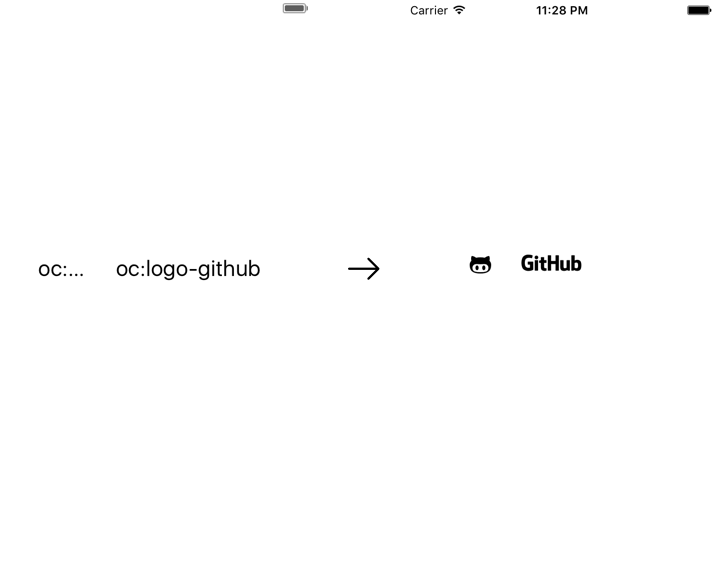
In your UILabel, UIButton or UITextField, set a text containing a placeholder anywhere you want the icon to be. Somethink like this
oc:logo-github
Then you can choose between 2 ways you can use SwiftIconFont.
1. No Custom Class
Simply import SwiftIconFont and call processIcons on any UILabel, UIButton or UITextField that has a placeholder.
label.parseIcon()
2. Custom Class
The lazy way, just set your UILabel, UITextField, UIButton class as SwiftIconLabel, SwiftIconTextField or SwiftIconButton, and thats it, your icons will be processed at runtime.
3. Programmatically
import SwiftIconFont

label.font = UIFont.iconFontOfSize(.FontAwesome, fontSize: 50.0)
label.text = String.fontAwesomeIconWithName(.Twitter)

label.font = UIFont.iconFontOfSize(.FontAwesome, fontSize: 50.0)
label.text = String.fontAwesomeIconWithCode(twitter)
Author
Sedat Gokbek CIFTCI, me@sedat.ninja
License
SwiftIconFont is available under the MIT license. See the LICENSE file for more info.
Contributing
- Fork it (github.com/0x73/SwiftI…)
- Create your feature branch (
git checkout -b my-new-feature) - Commit your changes (
git commit -am Add some feature) - Push to the branch (
git push origin my-new-feature) - Create new Pull Request