What Is It?
Black Screen is an IDE in the world of terminals. Strictly speaking, it's both a
terminal emulator and an interactive shell based on Electron.
Also, unlike most of the emulators you can meet nowadays it uses HTML and CSS for its UI (exactly as Atom does),
which means we can stop misusing unicode characters
and make a better looking terminal with appropriate tools.
Autocompletion
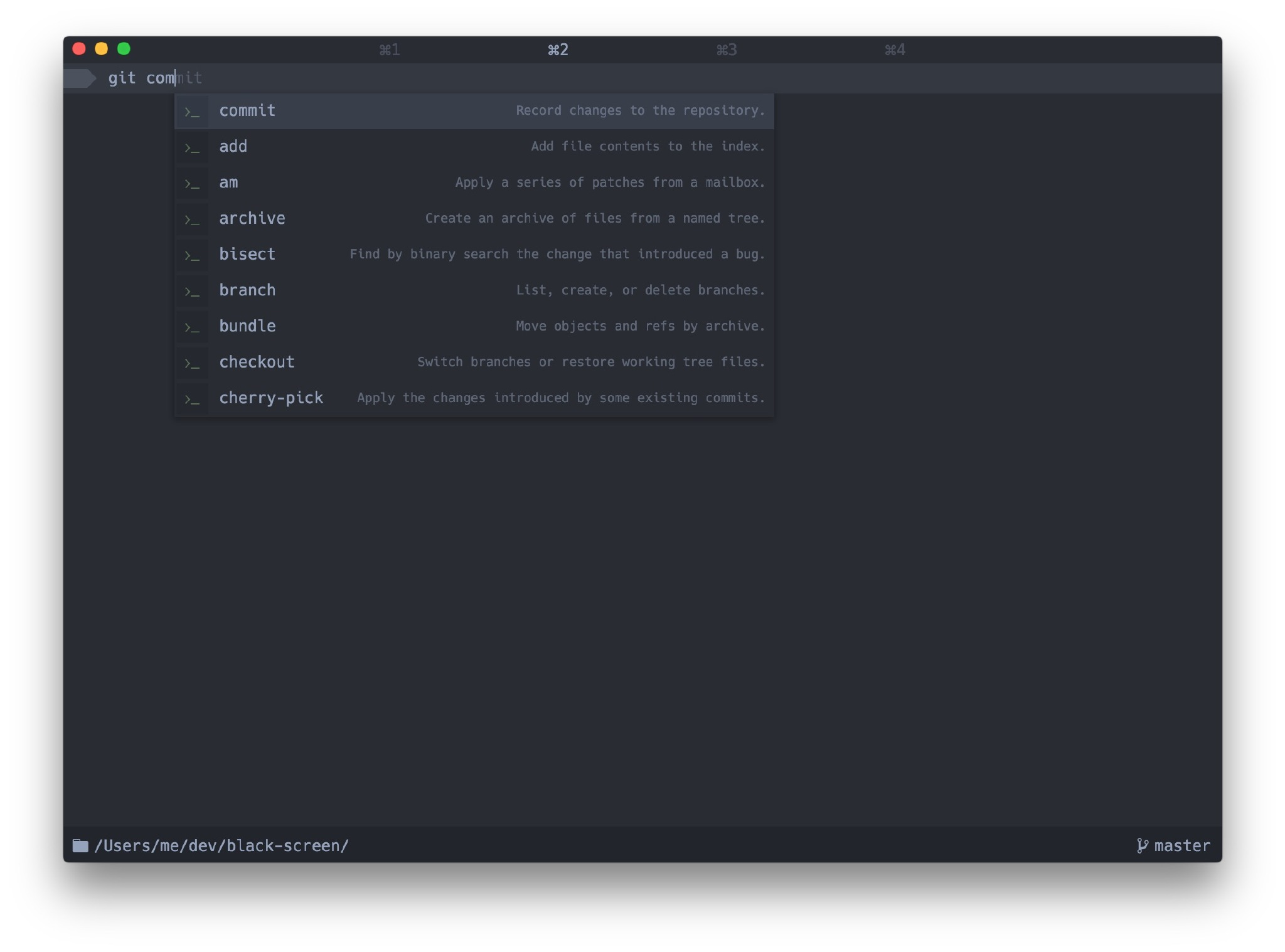
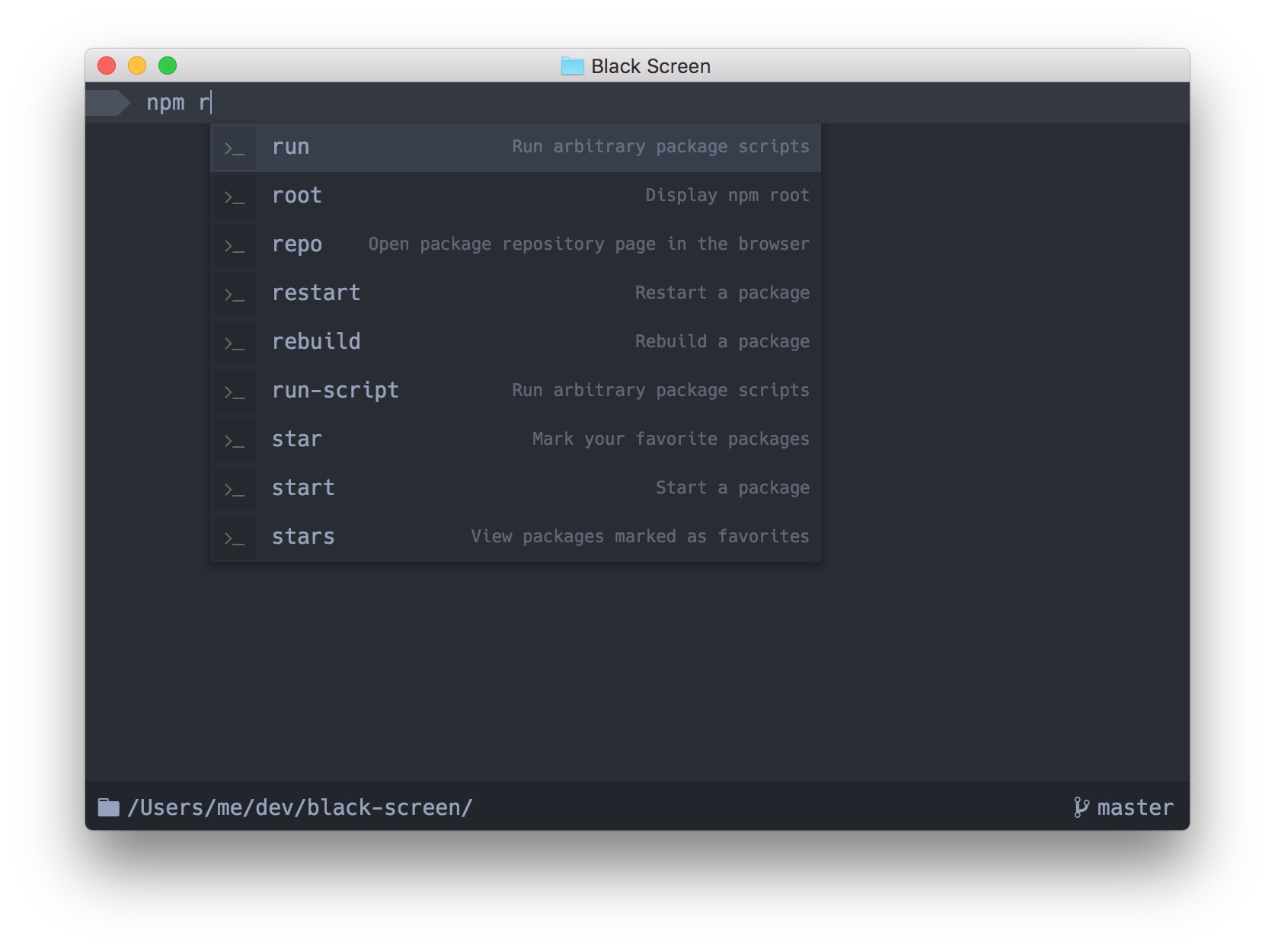
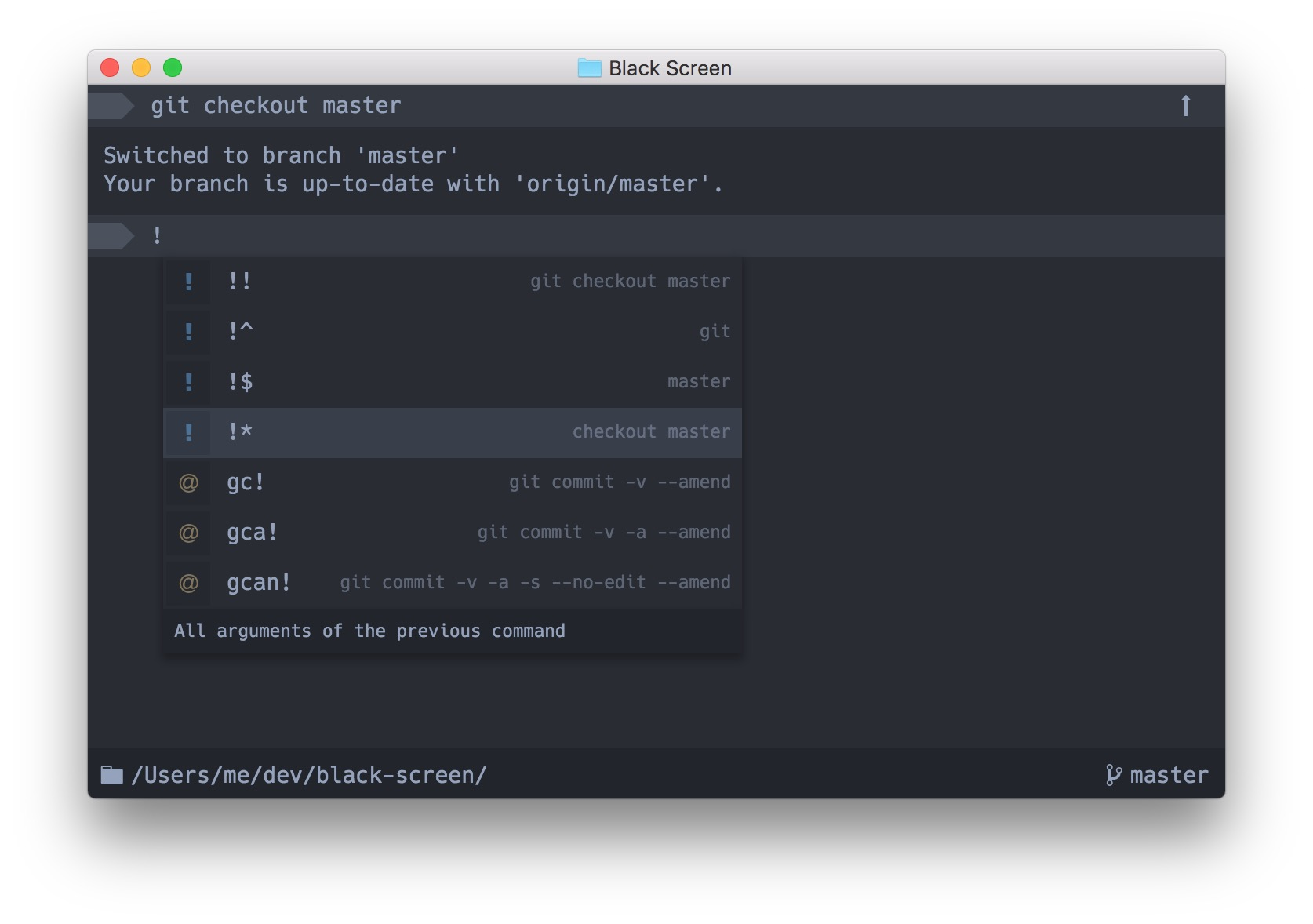
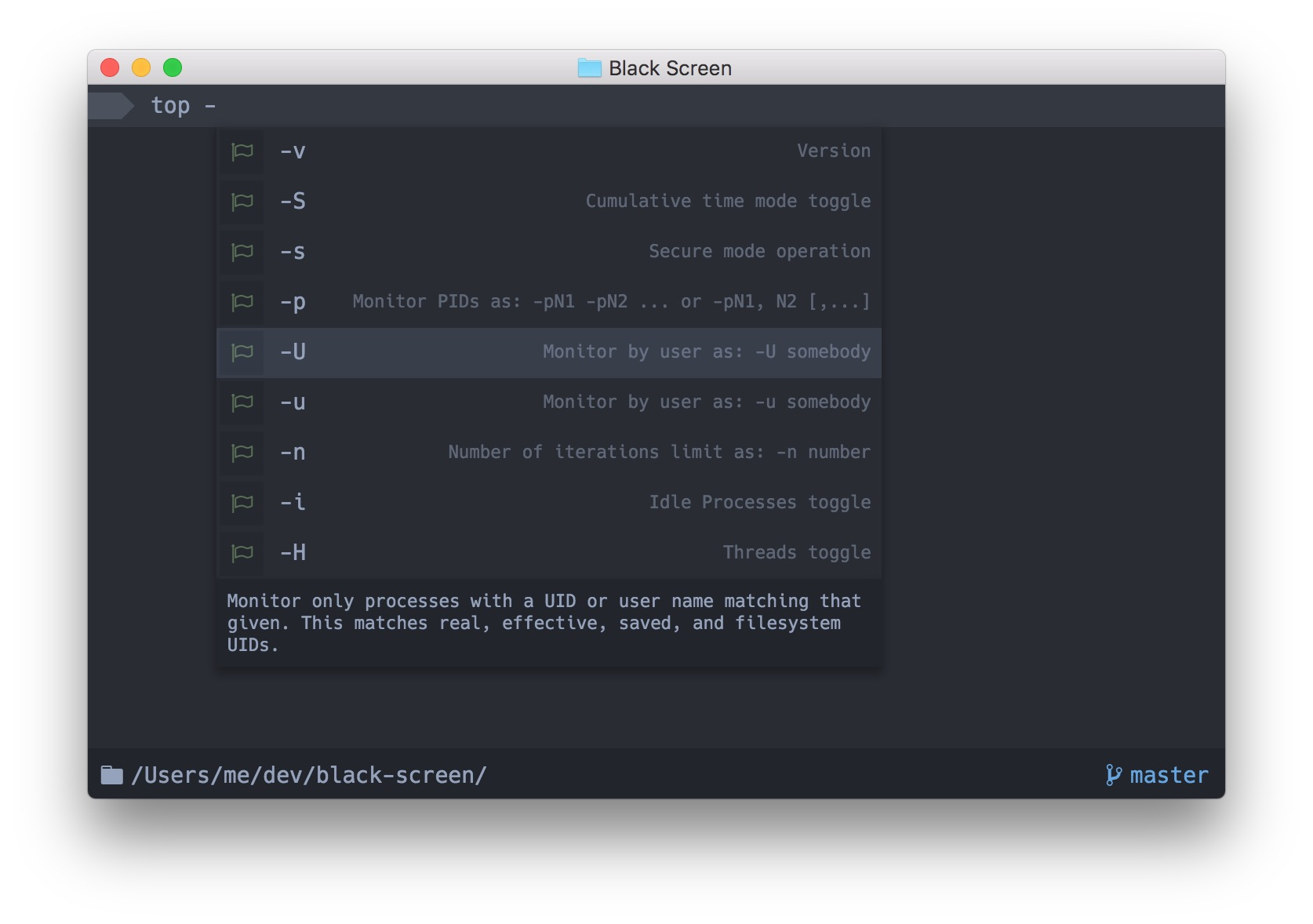
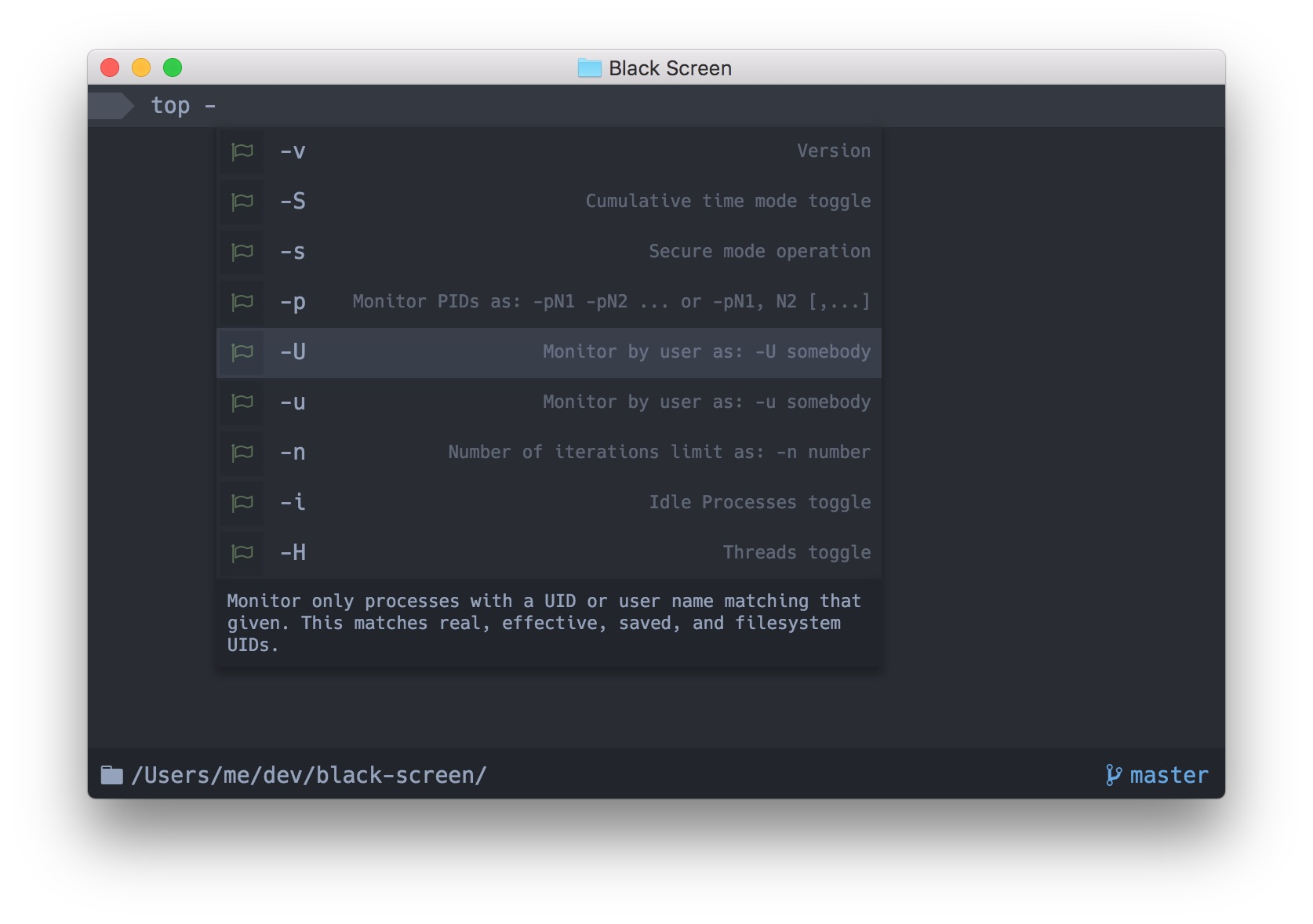
Black Screen shows the autocompletion box as you type and tries to be smart about what to suggest.
Often you can find useful additional information on the right side of the autocompletion, e.g. expanded alias value,
history substitutions for !!, command descriptions, value of the previous directory (cd -), etc.
Compatibility
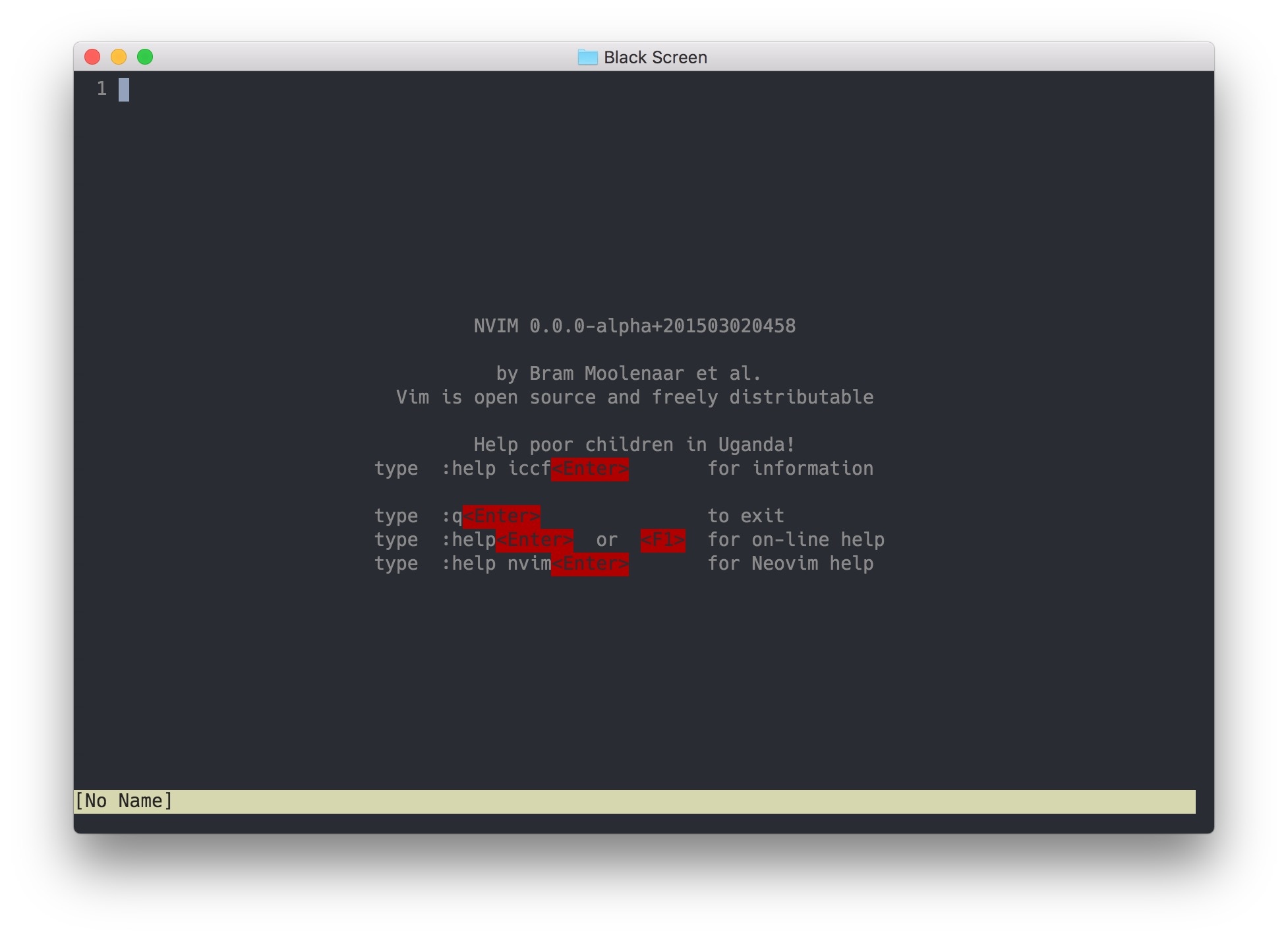
We aim to be compatible at least with VT100. All the programs (emacs, ssh, vim) should work as expected.
Installation
git clone https://github.com/shockone/black-screen.git && cd black-screen
npm start
To create a standalone application, execute npm run package in the project directory.
Note: Only OS X is currently supported, although there are good chances it will work on Linux. We plan to make Black Screen work on all the major platforms in the future.
Technologies
More Screenshots
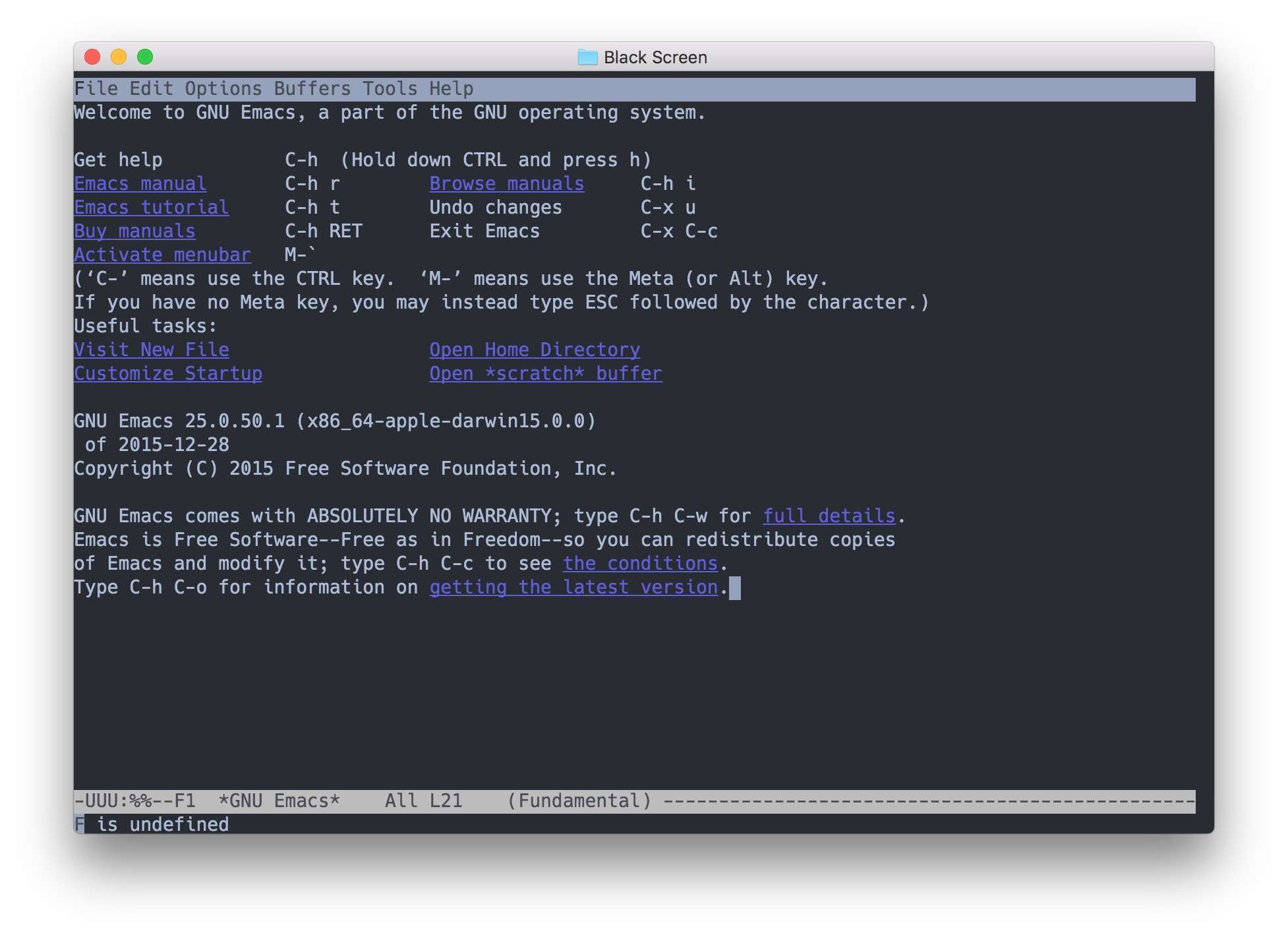
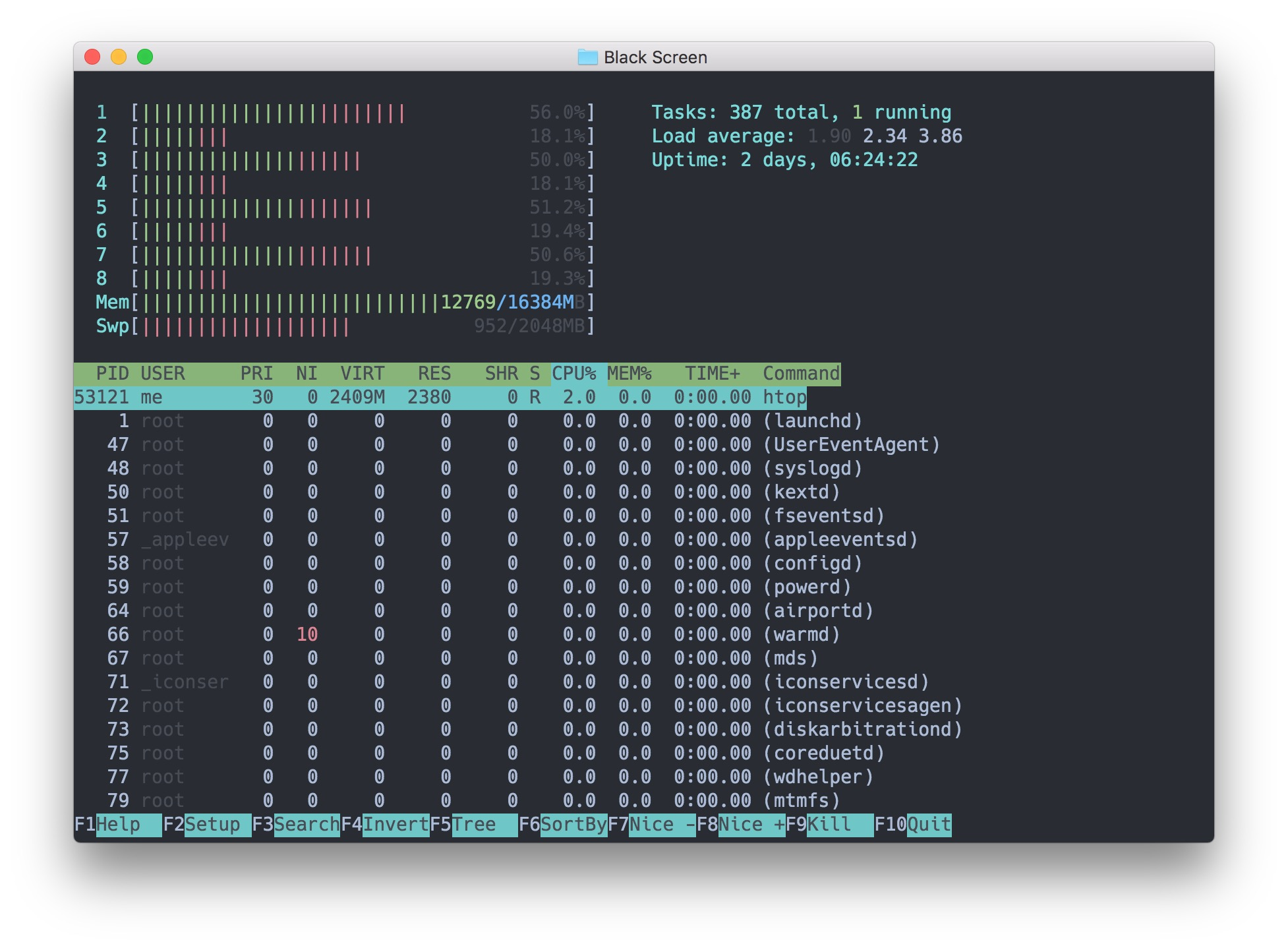
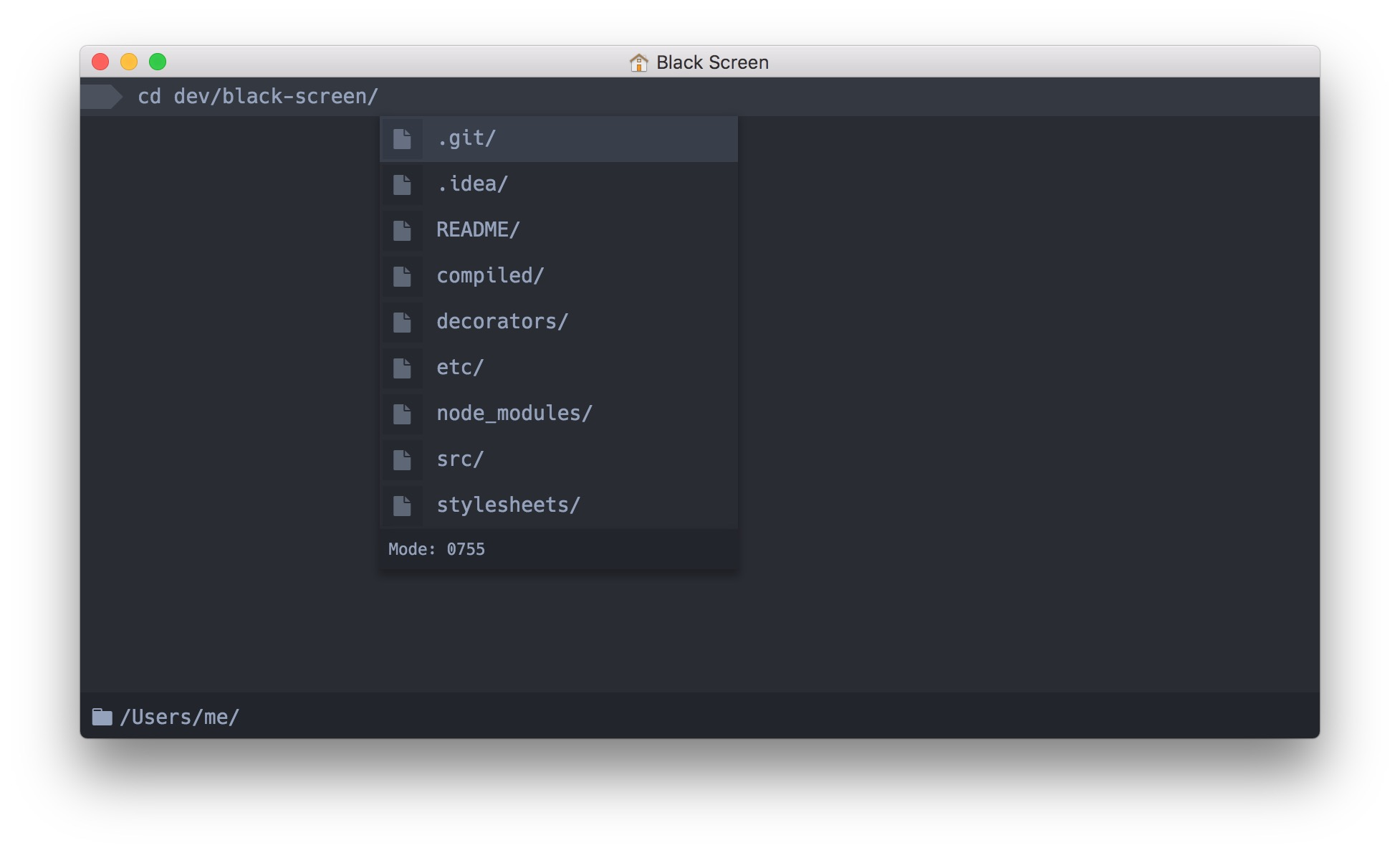
TODO
You can find the list of items currently being worked on in this issue: TODO
Contributing
See Contributing Guide.