BaaS的英文全程是Backend as a Service,意思就是说将后端抽象成一种服务提供给前端开发者,也有人称之为微服务,但在处处皆移动的环境下说BaaS想为前端开发者提供了无限的可能性和创造力,所以我更喜欢叫做云服务;BaaS让我联想到了当年的SaaS(Software as a Service),现在O2O搞的这么火,或许也映射了这种模式的成功吧。
扯了这么多虚的,BaaS都是到底是如何把后端服务统一、抽象化的?这里我们从国内知名的BaaS服务提供商LeanCloud来进行窥探,看看这家公司是如何做的。
这里我们采用一个iOS Demo 来体验下LeanCloud的存储功能。
搭建环境
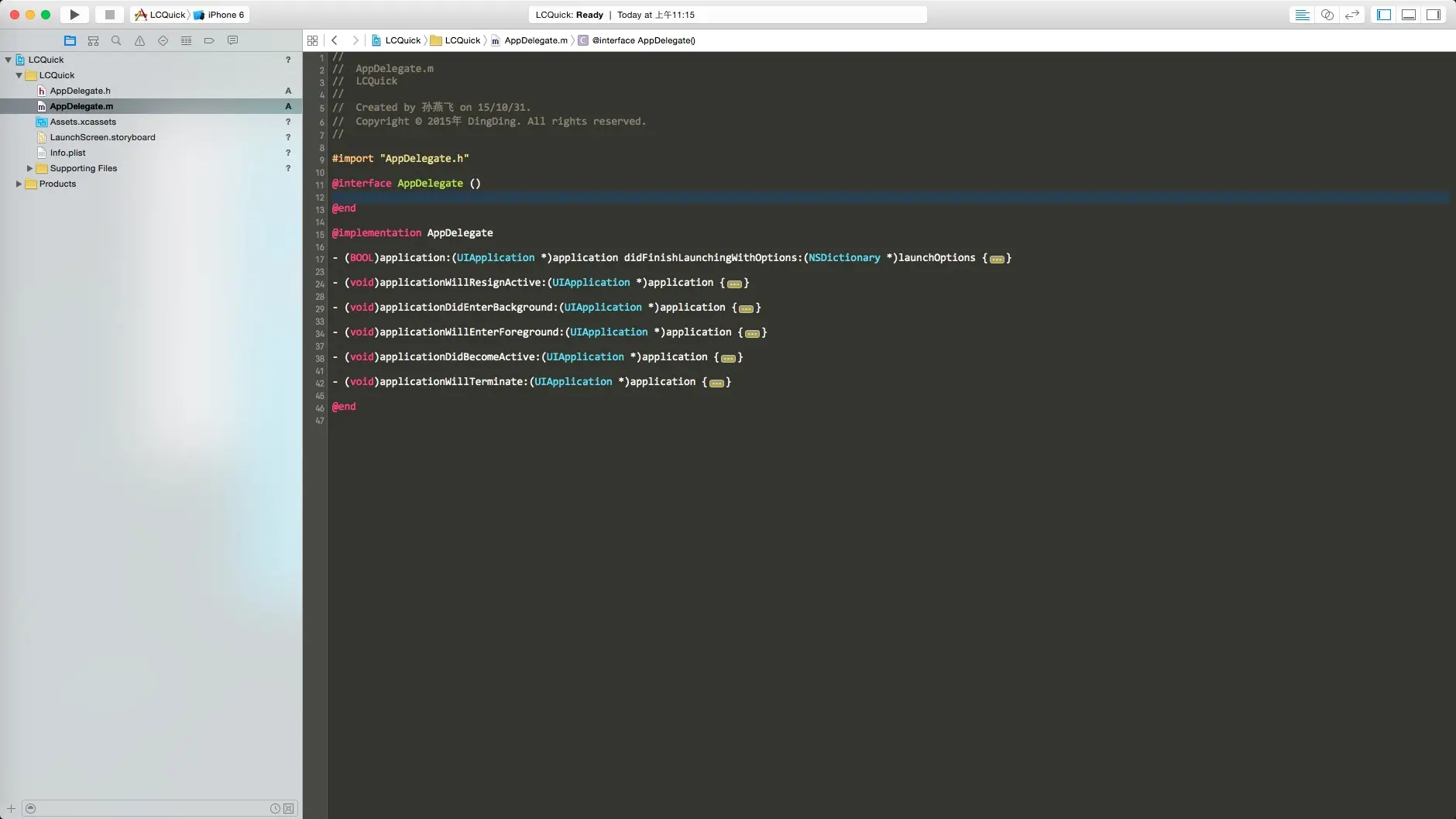
1.新建iPhone项目命名为LCQuick,如下图:
2.安装LeanCloud Pods(如果没有安装CocoaPods,可以去官网下载安装)
cd Your Project Path
vi Podfile
在Podfile中添加如下代码:
platform :ios, '8.0'

pod 'Masonry'
pod 'AVOSCloud'
pod 'AVOSCloudIM'
pod 'AVOSCloudCrashReporting'
然后利用Pods安装依赖库,这里可能安装比较慢,建议替换成淘宝的gem源
pod install
如果最后一行出现以下结果,则说明安装成功
Pod installation complete! There are 4 dependencies from the Podfile and 4 total pods installed.
编写代码
1.打开工程
cd Your Project Path
open LCQuick.xcworkspace
2.新建RootViewController,并在viewDidLoad方法中加入如下代码:
- (void)viewDidLoad {
    [super viewDidLoad];

    UIButton *saveObjectBtn = [UIButton buttonWithType:UIButtonTypeCustom];
    [saveObjectBtn setBackgroundColor:[UIColor purpleColor]];
    [saveObjectBtn setTitle:@"保存对象" forState:UIControlStateNormal];
    [saveObjectBtn addTarget:self action:@selector(saveObject:) forControlEvents:UIControlEventTouchUpInside];
    [self.view addSubview:saveObjectBtn];

    [saveObjectBtn mas_makeConstraints:^(MASConstraintMaker *make) {
        make.centerX.equalTo(self.view);
        make.centerY.equalTo(self.view);
        make.width.equalTo(@200);
        make.height.equalTo(@50);
    }];
}

- (void)saveObject:(id)sender {
    AVObject *testObject = [AVObject objectWithClassName:@"TestObject"];
    [testObject saveInBackgroundWithBlock:^(BOOL succeeded, NSError *error) {
        if (succeeded) {
            NSLog(@"数据保存成功");
        } else {
            NSLog(@"数据保存失败,错误是:%@", [error.userInfo valueForKey:NSLocalizedDescriptionKey]);
        }
    }];
}
3.AppDelegate的didFinishLaunchingWithOptions函数中添加代码(我这里是用Code的方式写的,用Storyboard的同学勿喷)
#define LeanCloudAppId  @"oOgmSaJV9gbTG7zoVzX1NVuA"
#define LeanCloudAppKey @"rhrI2uL66Tm7kfcmEb8d6xGL"
self.window = [[UIWindow alloc] initWithFrame:[[UIScreen mainScreen] bounds]];
RootViewController *rootViewController = [[RootViewController alloc] init];
self.window.rootViewController = rootViewController;

[AVOSCloud setApplicationId:LeanCloudAppId clientKey:LeanCloudAppKey];
[AVAnalytics trackAppOpenedWithLaunchOptions:launchOptions];

self.window.backgroundColor = [UIColor whiteColor];
[self.window makeKeyAndVisible];
return YES;
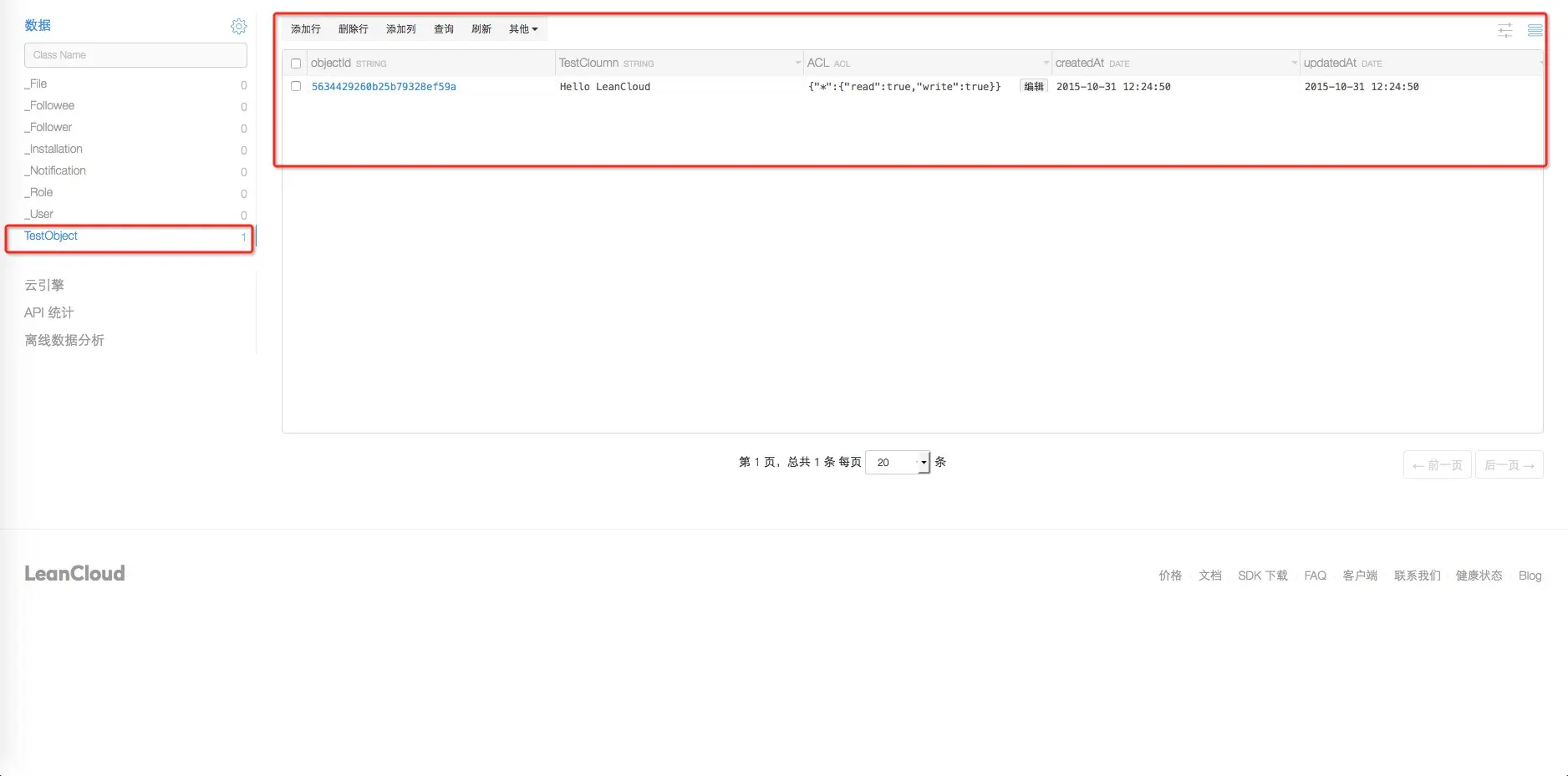
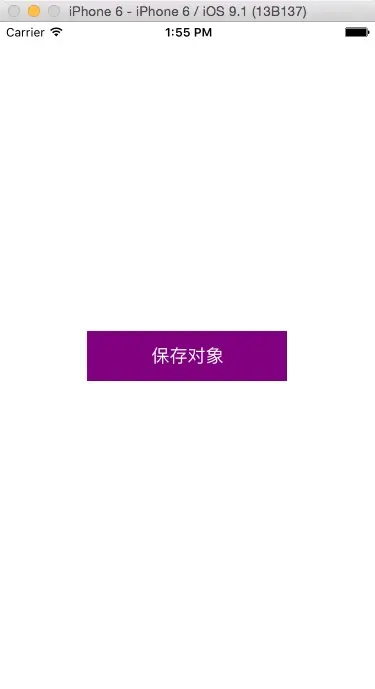
4.运行LCQuick Demo,点击保存对象,运行效果以及Log输出截图如下:
5.查看LeanCloud后台如下:
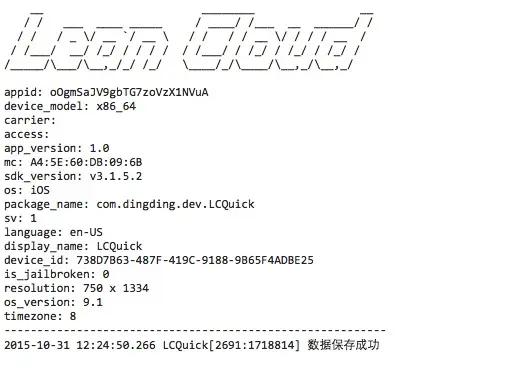
可以看到,添加的数据已经很轻易的就保存到云端,并且一目了然。
总结
上面只是一个简单的入门程序,就可以看出以下优势:
- 使用起来非常方便
- 前端再也不用跟后端商量接口定义
- 不用考虑后端采用什么技术以及架构
- 不用为了考虑后端性能的问题而大费周折
其实LeanCloud不仅仅有云存储的功能,从LeanCloud的官网可以看出其核心功能分为四个模块:
- LeanStorage 在线云存储
- LeanMessage 即时通讯以及消息推送
- LeanAnalytics 统计分析分析
- LeanModules 辅助工具模块
看起来BaaS确实是一个值得考究的服务形态,下面我将深入到LeanCloud的各个模块,深入探讨一些技术细节,敬请期待吧。