

Async Http Client库简单易用,旨在让Java应用可以轻松执行HTTP请求和异步处理HTTP响应。同时也支持WebSockets协议。
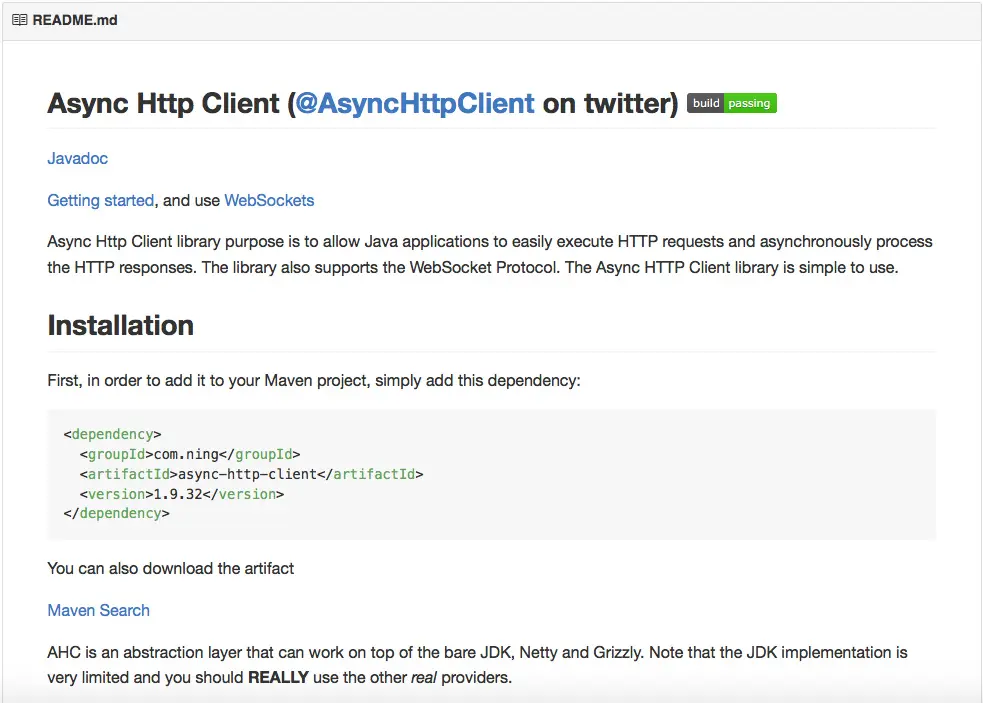
安装
首先,添加到你的Maven工程:
com.ning async-http-client 1.9.32 |
或者直接下载:Maven Search
AHC(Async Http Client)是一个抽象层,可以独立工作在JDK、Netty和Grizzly之上。
将Netty或者Grizzly添加到你的classpath:
Netty
io.netty netty LATEST_NETTY_3_VERSION |
Grizzly
org.glassfish.grizzly connection-pool LATEST_GRIZZLY_VERSION org.glassfish.grizzly grizzly-websockets LATEST_GRIZZLY_VERSION |
用法
importcom.ning.http.client.*; importjava.util.concurrent.Future; AsyncHttpClient asyncHttpClient=newAsyncHttpClient(); Futuref=asyncHttpClient.prepareGet("http://www.ning.com/").execute(); Responser=f.get(); |
需要注意的是,即使用getResponseBodyAsStream()方法返回Response对象,所有内容也必须全部读取到内存中。
如果想在你的handler中接收并处理响应,亦可不用Future完成异步(非阻塞)操作:
importcom.ning.http.client.*; importjava.util.concurrent.Future; AsyncHttpClient asyncHttpClient=newAsyncHttpClient(); asyncHttpClient.prepareGet("http://www.ning.com/").execute(newAsyncCompletionHandler(){ @Override publicResponse onCompleted(Response response)throwsException{ // Do something with the Response // ... returnresponse; @Override publicvoidonThrowable(Throwablet){ // Something wrong happened. }); |
(在调用onCompleted前全部的Response内容会读进内存)
也可以混合使用Future和AsyncHandler只取异步响应的一部分:
importcom.ning.http.client.*; importjava.util.concurrent.Future; AsyncHttpClient asyncHttpClient=newAsyncHttpClient(); Futuref=asyncHttpClient.prepareGet("http://www.ning.com/").execute( newAsyncCompletionHandler(){ @Override publicIntegeronCompleted(Response response)throwsException{ // Do something with the Response returnresponse.getStatusCode(); @Override publicvoidonThrowable(Throwablet){ // Something wrong happened. }); intstatusCode=f.get(); |
这样你就可以分部处理响应内容,不必全部加载到内存。可用于处理较大的响应对象。
你完全控制Response的生命周期,可以决定任何时候停止处理服务器的返回内容:
importcom.ning.http.client.*; importjava.util.concurrent.Future; AsyncHttpClientc=newAsyncHttpClient(); Futuref=c.prepareGet("http://www.ning.com/").execute(newAsyncHandler(){ privateByteArrayOutputStream bytes=newByteArrayOutputStream(); @Override publicSTATE onStatusReceived(HttpResponseStatus status)throwsException{ intstatusCode=status.getStatusCode(); // The Status have been read // If you don't want to read the headers,body or stop processing the response if(statusCode>=500){ returnSTATE.ABORT; @Override publicSTATE onHeadersReceived(HttpResponseHeadersh)throwsException{ Headers headers=h.getHeaders(); // The headers have been read // If you don't want to read the body, or stop processing the response returnSTATE.ABORT; @Override publicSTATE onBodyPartReceived(HttpResponseBodyPart bodyPart)throwsException{ bytes.write(bodyPart.getBodyPartBytes()); returnSTATE.CONTINUE; @Override publicStringonCompleted()throwsException{ // Will be invoked once the response has been fully read or a ResponseComplete exception // has been thrown. // NOTE: should probably use Content-Encoding from headers returnbytes.toString("UTF-8"); @Override publicvoidonThrowable(Throwablet){ }); StringbodyResponse=f.get(); |
配置
最后,你可以通过AsyncHttpClientConfig对象配置AsyncHttpClient:
AsyncHttpClientConfig cf=newAsyncHttpClientConfig.Builder() .setProxyServer(newProxyServer("127.0.0.1",38080)).build(); AsyncHttpClientc=newAsyncHttpClient(cf); |
WebSocket
Async Http Client也支持WebSocket,以下是简单实现:
WebSocket websocket=c.prepareGet(getTargetUrl()) .execute(newWebSocketUpgradeHandler.Builder().addWebSocketListener( newWebSocketTextListener(){ @Override publicvoidonMessage(Stringmessage){ @Override publicvoidonOpen(WebSocket websocket){ websocket.sendTextMessage("...").sendMessage("..."); @Override publicvoidonClose(WebSocket websocket){ latch.countDown(); @Override publicvoidonError(Throwablet){ }).build()).get(); |
Async Http Client使用非阻塞的I/O支持异步操作。默认情况下异步功能基于Netty实现,但是也暴露了一个可配置的API。允许使用其他框架,如Grizzly:
AsyncHttpClientConfig config=newAsyncHttpClientConfig.Builder().build(); AsyncHttpClient client=newAsyncHttpClient(newGrizzlyAsyncHttpProvider(config),config); |
