让我们来了解B站的个性签名
一.前言
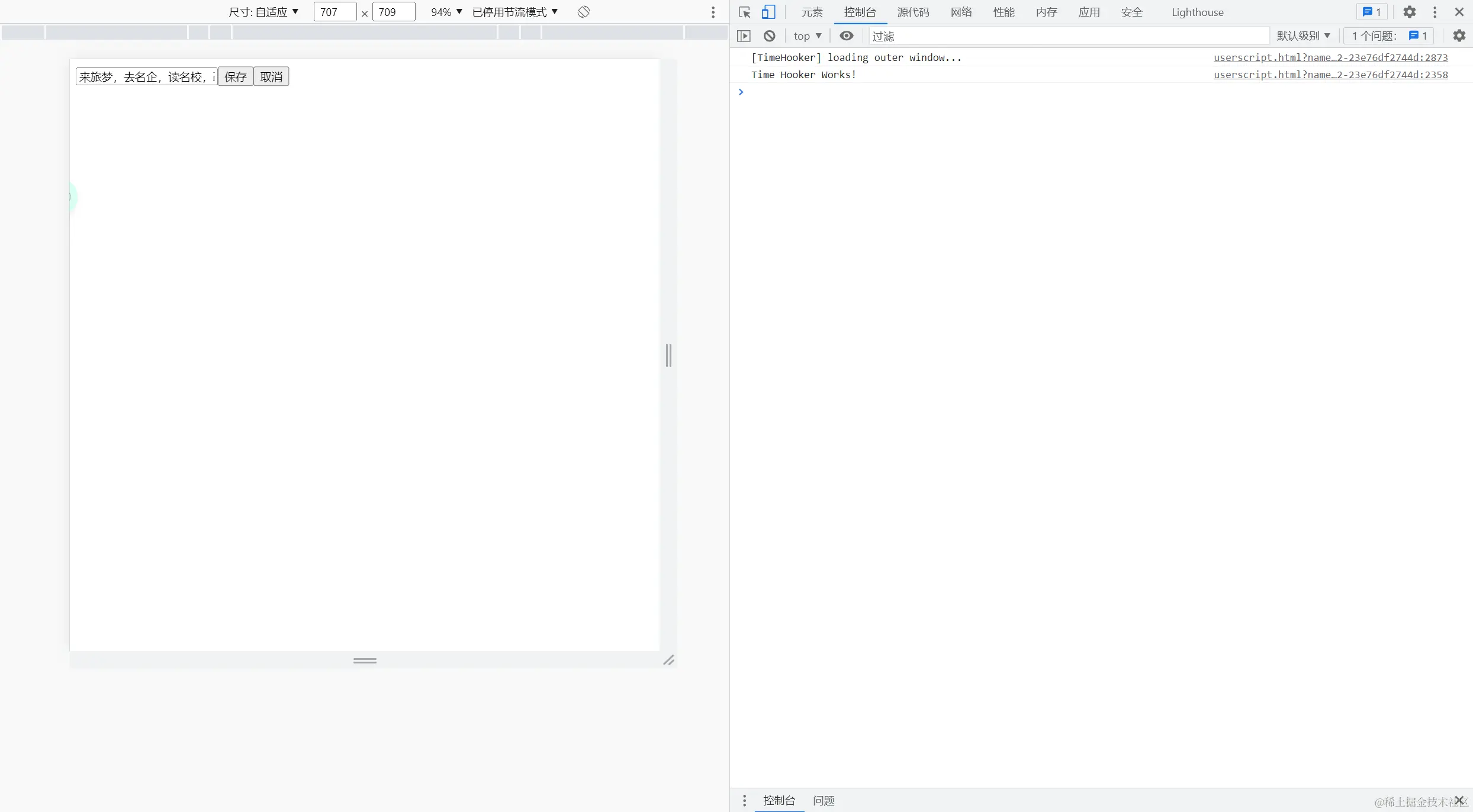
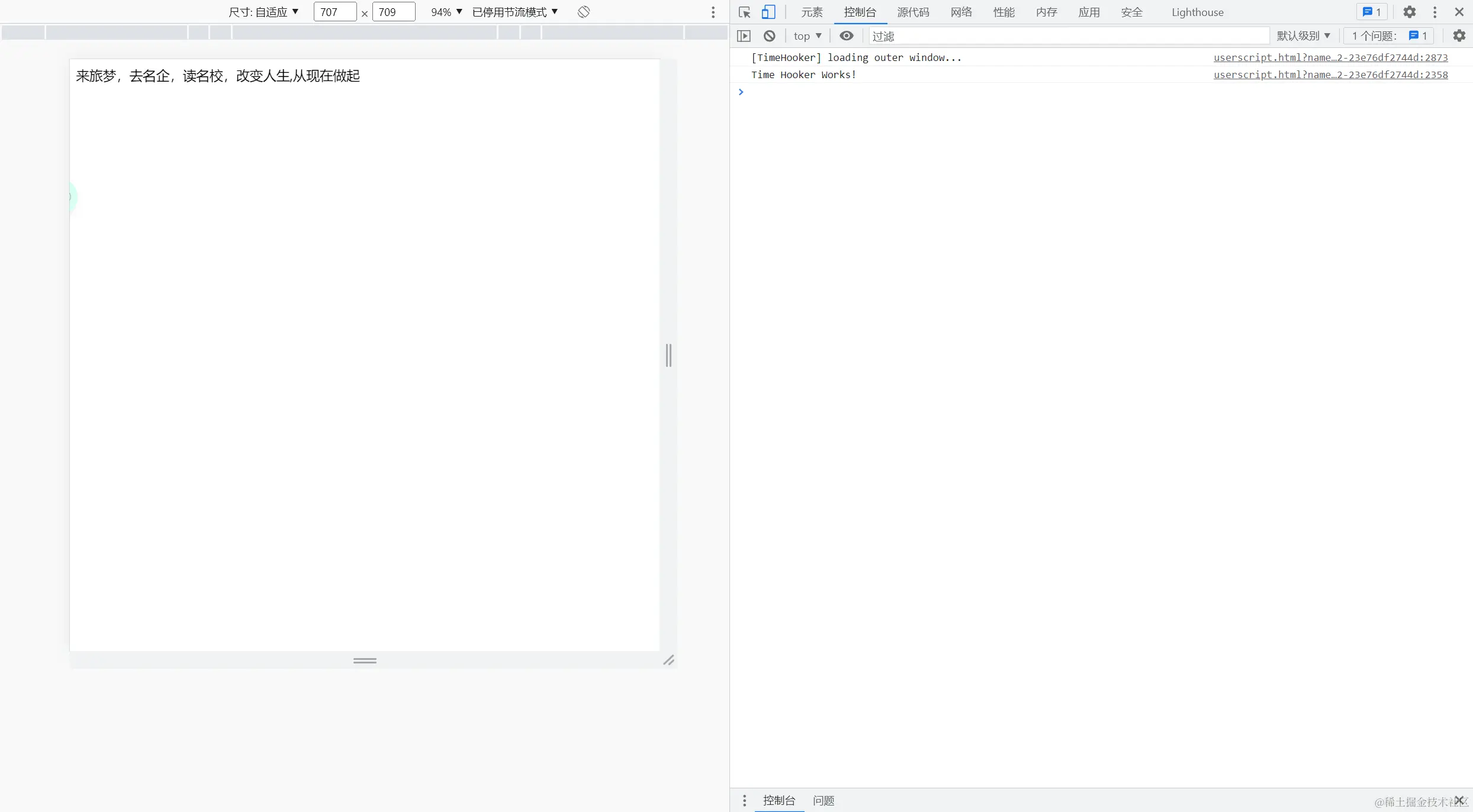
B站作为一个广受欢迎的视频分享平台,用户可以通过个性标签来展示自己的特点和兴趣。而这些个性标签可以通过简单的点击进行修改,并且在点击其他位置时自动保存。这种就地编辑功能极大地提升了用户体验,方便快捷。
二.用户体验



三.实现方法
function EditInPlace(storageKey,container, value = '这个家伙很懒,什么都没有留下' ) {
this.storageKey = storageKey;
this.container = container;
this.value = value;
this.createElement();
this.attachEvents();
}
- 类的方法
-
EditInPlace.prototype = {
createElement: function() {
this.editElement = document.createElement('div');
this.container.appendChild(this.editElement);
this.staticElement = document.createElement('span');
this.staticElement.innerHTML = this.value;
this.editElement.appendChild(this.staticElement);
this.fieldElement = document.createElement('input');
this.fieldElement.type = 'text';
this.fieldElement.value = this.value;
this.editElement.appendChild(this.fieldElement);
this.saveButton = document.createElement('input');
this.saveButton.type = 'button';
this.saveButton.value = '保存';
this.editElement.appendChild(this.saveButton);
this.cancelButton = document.createElement('input');
this.cancelButton.type = 'button';
this.cancelButton.value = '取消';
this.editElement.appendChild(this.cancelButton);
this.converToText();
},
converToText:function(){
this.staticElement.style.display = 'inline';
this.fieldElement.style.display = 'none';
this.saveButton.style.display = 'none';
this.cancelButton.style.display = 'none';
},
converToEdit:function(){
this.staticElement.style.display = 'none';
this.fieldElement.style.display = 'inline';
this.saveButton.style.display = 'inline';
this.cancelButton.style.display = 'inline';
},
attachEvents: function() {
this.staticElement.addEventListener('click', ()=>{
            this.converToEdit();
        });
this.saveButton.addEventListener('click', ()=>{
this.save();
});
this.cancelButton.addEventListener('click', ()=>{
this.converToText;
})
},
save: function() {
this.value = this.fieldElement.value;
this.staticElement.innerHTML = this.value;
this.converToText();
localStorage.setItem(this.storageKey, this.value);
this.saveData()
},
saveData:function(){
let value = this.value;
fetch("http://localhost:3000/users/1",{
method:"PATCH",
headers:{
'Content-Type':'application/json'
},
body: JSON.stringify({
signature: value
}),
}).then(res =>res.json())
.then(data =>data.json() )
}
}
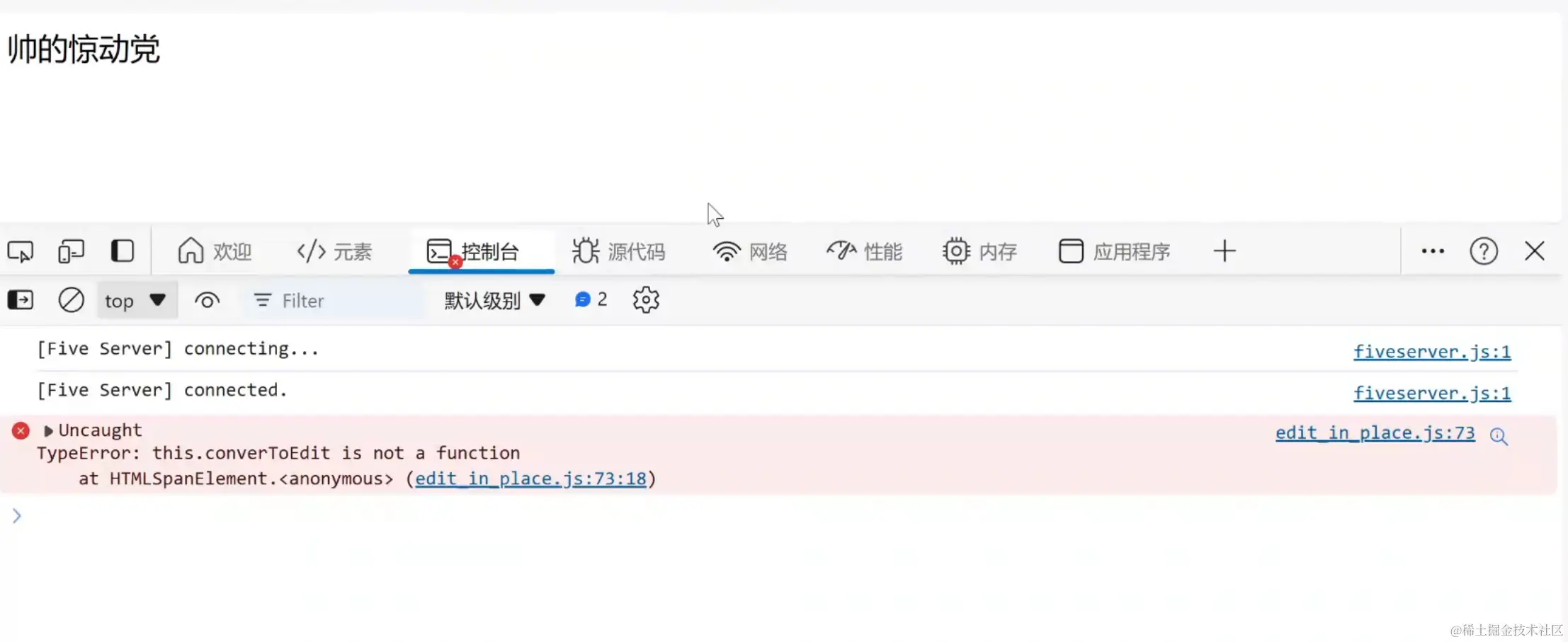
四.EditInplace 类里的事件监听,内部this丢失 self/that=this 暂存
this.saveButton.addEventListener('click', function(){
this.converToEdit();
});
attachEvents: function() {
let that = this;
this.saveButton.addEventListener('click', function(){
that.converToEdit();
});
五.所以正好利用 箭头函数 没有this直接从拿外层的this来实现对象方法实现调用
this.staticElement.addEventListener('click', ()=>{
this.converToEdit();
});
六.最后使用html5 localStorage 本地存储 getItem
<!DOCTYPE html>
<html lang="en">
<head>
    <meta charset="UTF-8">
    <meta name="viewport" content="width=device-width, initial-scale=1.0">
    <title>就地编辑</title>
</head>
<body>
    <div id="signature"></div>
    <script src="./edit_in_place.js"></script>
    <script>
    // 封装能力  函数, 类 ,复用,
    // js是单线程的
    //碰到耗时性任务,先放入 event loop
    //setTimeout 事件监听 耗时性任务(fetch) 查数据库
    const STORGAEKEY ='signature'
    fetch("http://localhost:3000/users/1")
        .then(res => res.json())
        .then(data =>{
            // console.log(data,'//////')
           const{signature}=data
           const stoSignature = localStorage.getItem(STORGAEKEY)
           if(signature !== stoSignature){
              localStorage.setItem(STORGAEKEY,signature)}
            new EditInPlace(STORGAEKEY,
                document.getElementById('signature'),signature)

        })
</body>
</html>