


图片懒加载的基本原理
- DOM结构中的img标签的src属性默认为空
- img标签中使用一个自定义属性(例如data-src)保存图片的路径
- 当页面滚动到图片(img)底部时将自定义属性(data-src)中的图片路径填入src的属性中
效果图
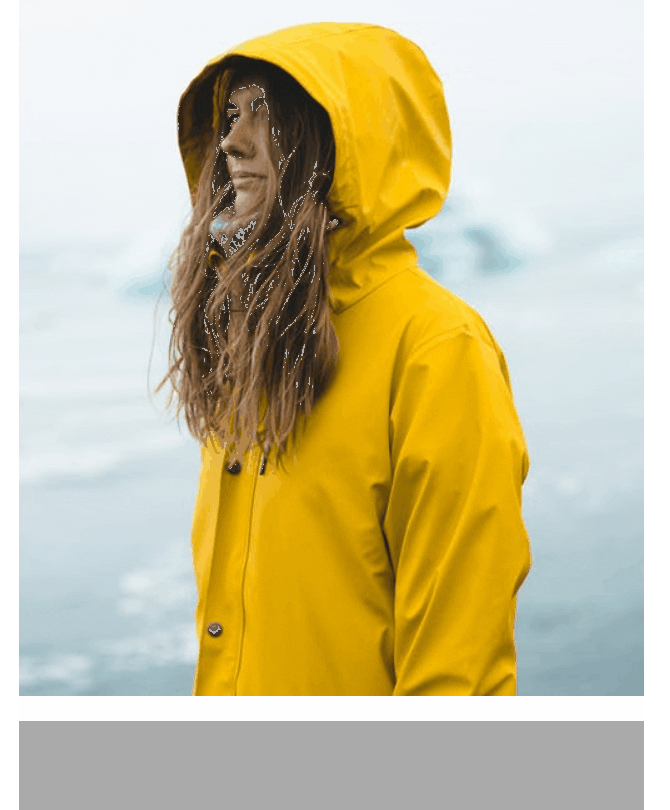
js原生实现单张图片懒加载
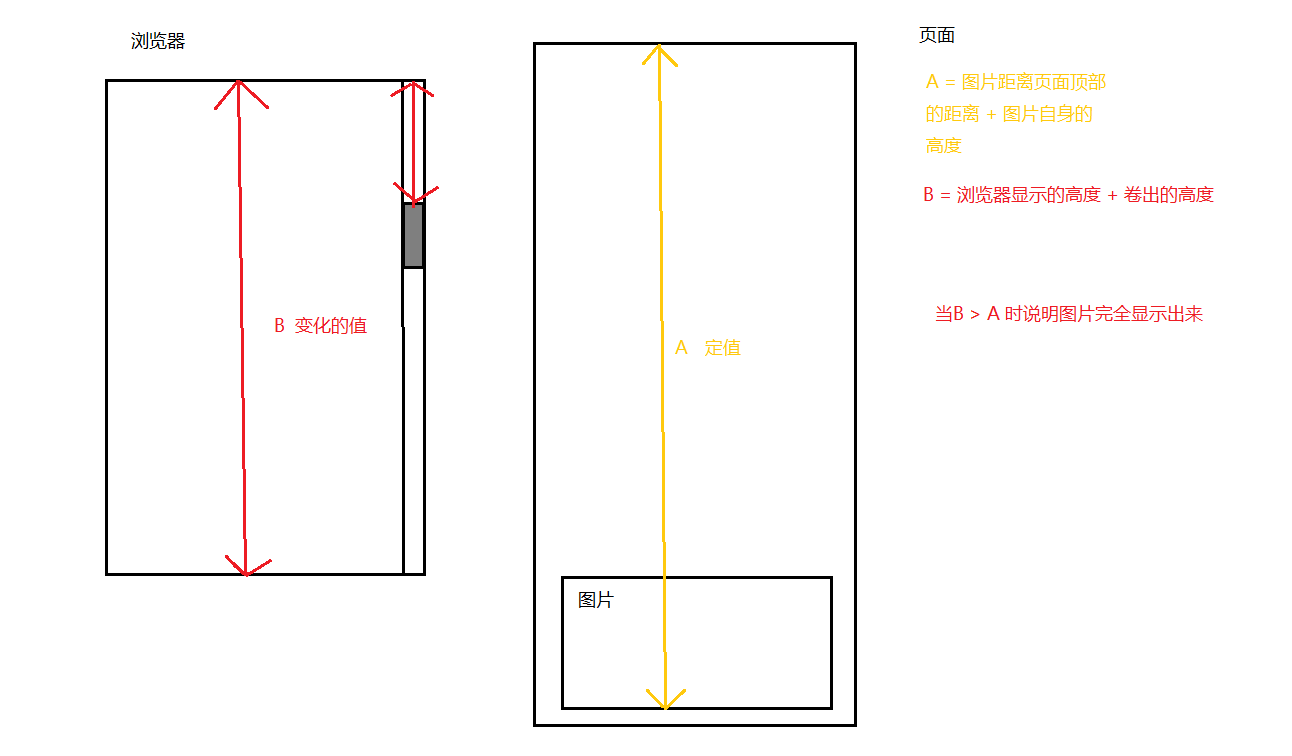
代码的基本原理
 <style>
    * {
      margin: 0;
      padding: 0;
    }
    .container {
      width: 960px;
      margin: 500px auto 0;
      text-align: center;
    }
    .container .img-box {
      width: 500px;
      height: 667px;
      margin: 0 auto;
      overflow: hidden;
      background-color: #aaaaaa; // 作为占位图
      margin-bottom: 20px;
    }
  </style>
  <div class="container">
    <div class="img-box">
      <img src="" data-src="https://images.pexels.com/photos/2755165/pexels-photo-2755165.jpeg?auto=compress&cs=tinysrgb&dpr=1&w=500">
    </div>
  </div>
javascript代码
window.onload = function () {
  const imgBox = document.querySelector('.img-box')
  const img = document.querySelector('.img-box img')
  window.onscroll = function () {
    // 已经将src填入就不再需要执行设置src值的代码
    if (img.getAttribute('src')) {
      return true
    }

    let A = imgBox.offsetTop + imgBox.clientHeight
    let B = window.innerHeight + window.scrollY
    if (B > A) {
      const dataSrc = img.getAttribute('data-src')
      img.setAttribute('src', dataSrc)
    }
  }
}
js实现多张图片的懒加载
// 假数据
window.onload = function () {
  const container = document.querySelector('.container')
  const imgBox = document.querySelector('.img-box')
  new Array(10).fill(null).forEach(el => {
    const node = imgBox.cloneNode(true)
    container.appendChild(node)
  })
}

window.onscroll = function () {
  const imgBoxes = [...document.querySelectorAll('.img-box')]
  imgBoxes.forEach((el) => {
    lazyLoad(el, el.firstElementChild)
  })
}

// 懒加载函数
/**
 *
 * @param {*图片容器} imgWrapperNode
 * @param {*图片} imgNode
 */
function lazyLoad (imgWrapperNode, imgNode) {
  if (imgNode.getAttribute('src')) {
    return true
  }
  let A = imgWrapperNode.offsetTop + imgWrapperNode.clientHeight
  let B = window.innerHeight + window.scrollY
  if (B > A) {
    const dataSrc = imgNode.getAttribute('data-src')
    imgNode.setAttribute('src', dataSrc)
  }
}
