BFC(Block Formatting Context)块级格式上下文
BFC中的元素的布局是不受外界的影响,并且在一个BFC中,块盒和行盒都会垂直的沿着其父元素的边框排列。
形成BCF的条件
1.display:inline-block/table-cell/table-caption/flex/inine-flex;
2.float:除none以外的值;
3.position:absolute/fixed;
4.overflow:除了visible以外的值
5.根元素
应用
1.解决margin塌陷
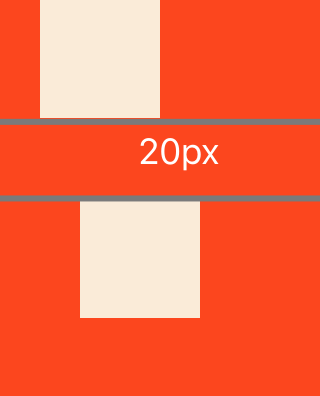
塌陷原因:垂直方向的margin会连合到一起,取最大值。
<div class="box">
    <div class="box1"></div>
    <div class="box2"></div>
</div>
.box{
width:160px;
height:170px;
background-color:
}
.box1,.box2{
width:60px;
height:60px;
background-color:antiquewhite;
}
.box1{
margin:20px;
}
.box2{
margin:30px;
}
让元素变成BFC
.box1{
    display:inline-block;
}
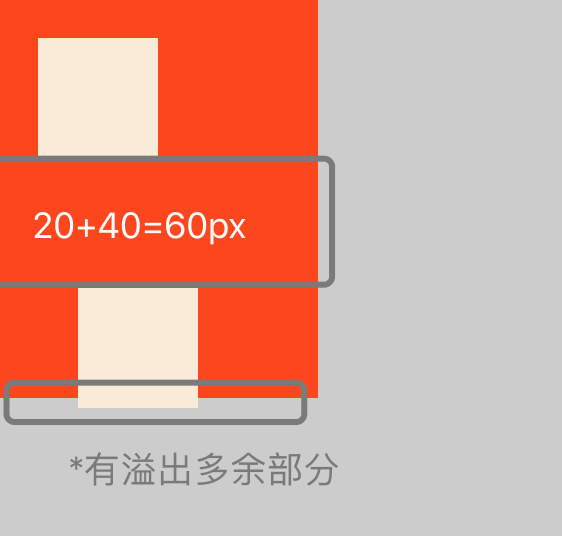
溢出多余部分:是因为凡事带有inline的元素,都有文字属性(含有文本空格符)
解决方法:
1.可以将元素编码时直接链接在一起,避免空格。
2.在父级添加font-size:0;
2.清除浮动流
原理:浮动元素产生了浮动流,所有产生了浮动流的元素,块级元素看不到它们。产生了BFC的元素和文本类属性的元素以及文本都可以看到浮动元素
<div class="floatfa">
    <div class="floats1"></div>
    <div class="floats2"></div>
    <div class="floats3"></div>
</div>
<div class="box"></div>
.floatfa{
border:1px dashed
}
.floatfa .floats1,.floats2,.floats3{
width:100px;
height:100px;
background-color:aquamarine;
float:left;
margin-left:10px;
}
.box{
width:100px;
height:100px;
background-color:blue;
}
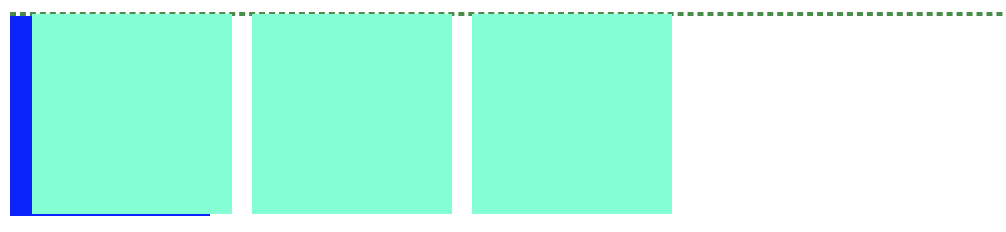
将父级变为BFC
.floatfa{
    display:inline-block;
}
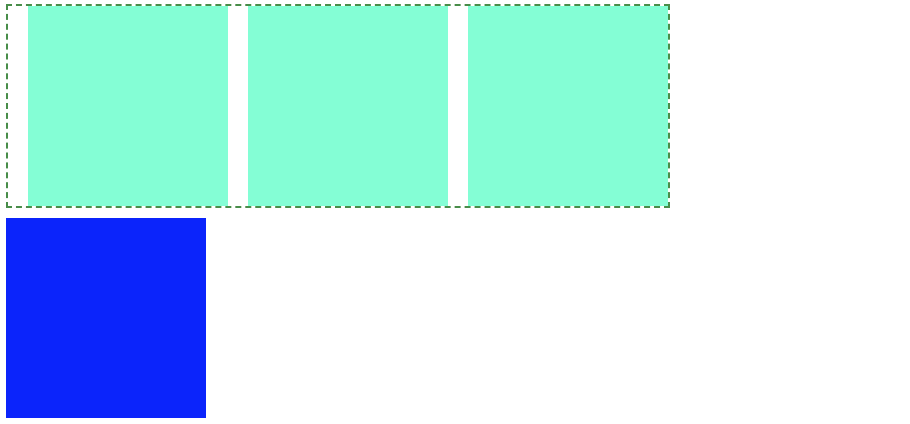
position:absolute; 或者 float:left/right;会使得内部把元素转换为 inline-block